28
12. Auxiliary Input
Via the analogue audio input (AUX IN socket) you can
connect mobile devices (for example smartphone, tablet
PC, M3 player etc.) to the radio and play the audio les
using the radio´s speakers.
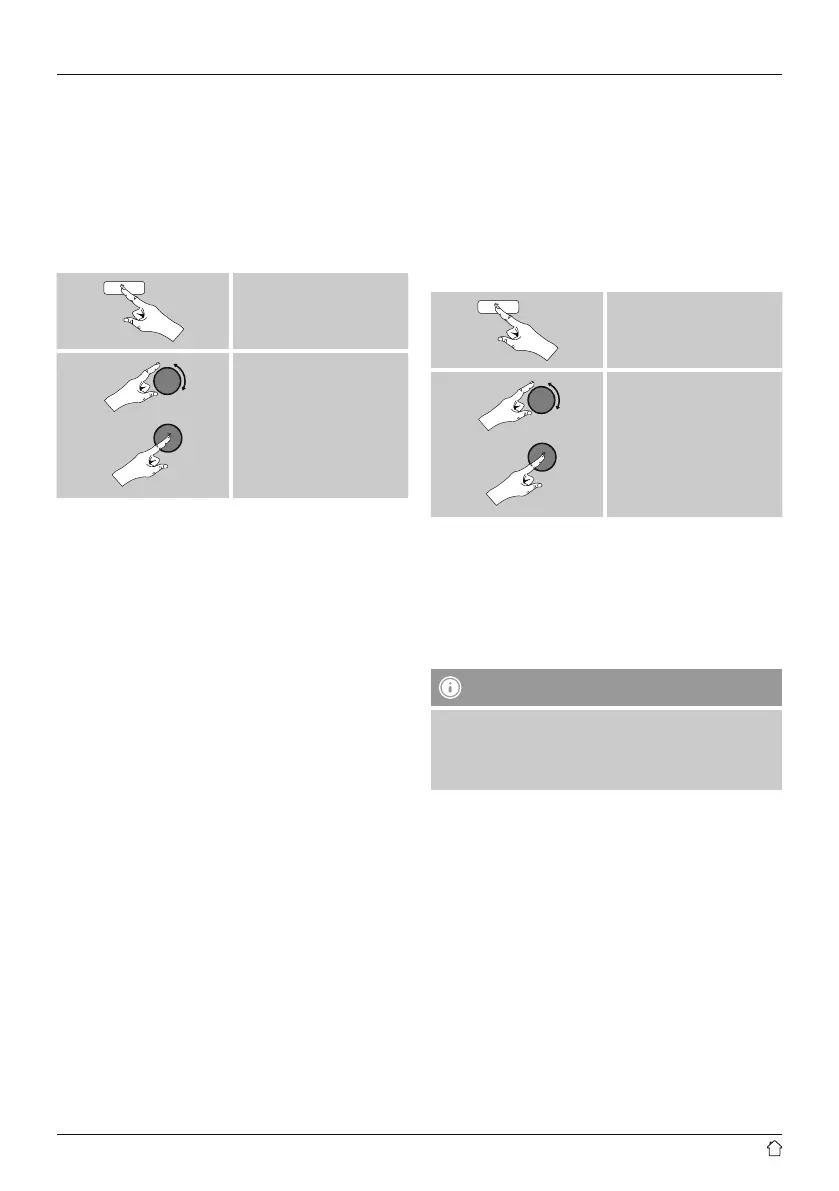
• From the main menu or after pressing [mode]
repeatedly, activate Auxiliary Input (Aux in) mode.
[menu]
Main menu
Auxiliary Input
Alternatively, press [AUX] on the remote control to switch
directly to this operating mode.
• Connect your mobile terminal device to the audio in (the
AUX IN socket) of the radio using a 3.5-mm TRS stereo
cable.
• Start and control audio playback using the controls of the
connected terminal device.
•
13. Sleep
The radio has a sleep function, after a dened time the
radio switches to standby mode.
• Repeatedly press [SLEEP] on the remote control to set
the desired time interval (Sleep OFF/15/30/45/60/90/120
minutes).
Alternatively, set the time interval from the main menu
using [tuning]:
[menu]
Main menu
Sleep
• After the dened time the radio switches to standby
mode.
• Press [on/off], to turn the radio back on.
• If a time interval is already activated, you can change or
disable it at any time by again pressing [SLEEP] on the
remote control.
Note - Backlight
There is a separate setting for the backlight when the
timer (snooze) is activated. For example, it can be set to
be dimmer than in normal operation.
15.9. Backlight


 To Next Page