29
14. Alarms
The Radio has two individually adjustable alarm times.
14.1 Alarm settings
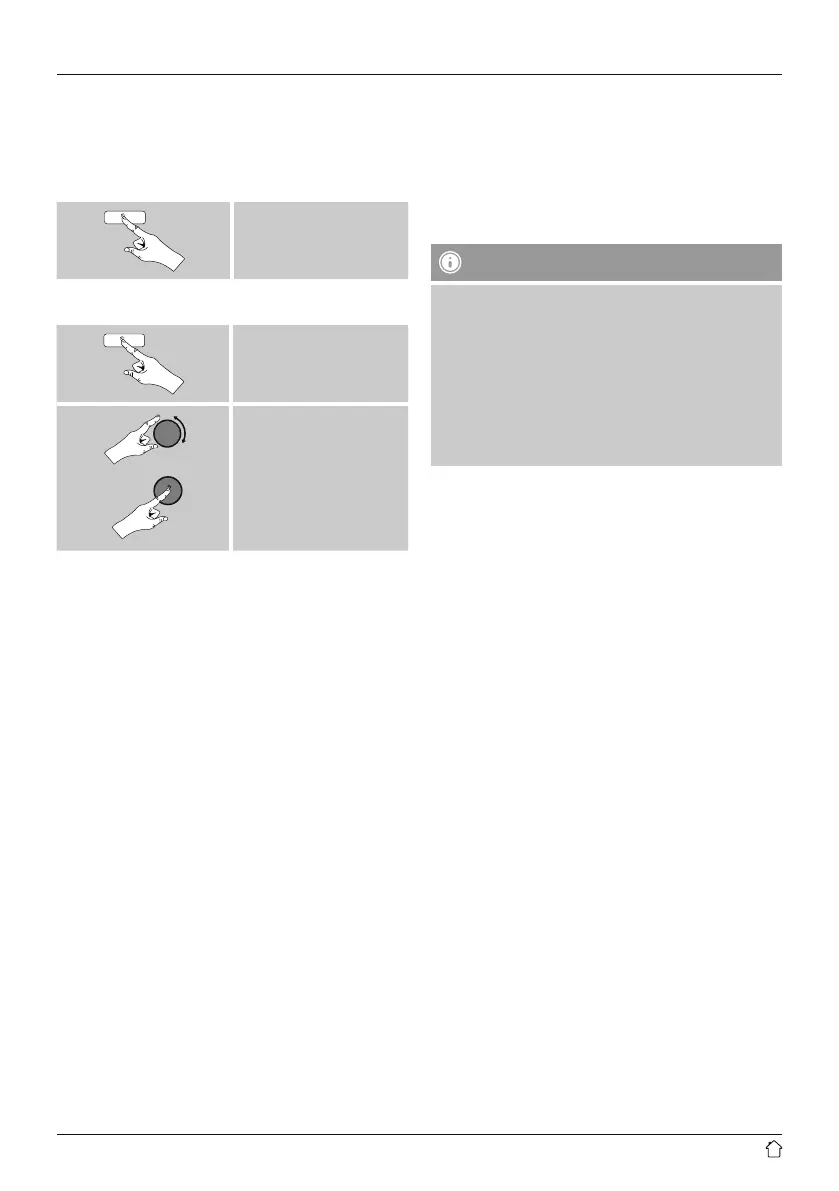
• You can access the alarm settings as follows:
[alarm]
• Or:
[menu]
Main menu
Alarms
• Alarm 1 and alarm 2 are congured identically. So you
can save two different alarm times. Select alarm 1 or
2 and then make the following settings by means of
[tuning]:
Enable:
Choose when the alarm is to activate:
Off – Daily – Once – Weekdays – Weekends
Date and time:
If you selected Once, enter the date and time for the
one-off alarm.
Time:
First choose the hour, then the minute at which the alarm
is to activate.
Mode:
Set whether you wish to be woken by an alarm tone
(Buzz), by DAB, FM or by the Internet radio.
Preset:
If you selected Internet radio/ DAB/ FM, choose which
station or podcast you wish to be woken with. You can
choose any of the 30 favourite station slots or the Last
listened.
Volume:
You can set the volume at which the alarm sound should
be played. This setting makes it irrelevant how loud you
last listened to the radio.
Save:
Conrm this menu item to complete your alarm settings.
Note
• When using Internet radio for the alarm sound take
care that the internet connection will be available at
the time of the alarm.
If no internet connection is available the radio instead
uses the wake-up buzzer (Buzz).
• It is recommended to allow the radio to update the
time automatically. This ensures that the time is
always correct even if there is a separation of power
supply – for example a power cut.
14.2 Activating/ deactivating the alarm
• Conrm the menu item Save in alarm settings to activate
the alarm.
• Disable the alarm by setting the Mode: to Off
14.3 Stopping the alarm/ Snooze function
• When the alarm activates, press [on/off] to stop the
alarm.
• Repeatedly press [SNOOZE] on the remote control to
activate snooze mode.
• The alarm turns off for the selected time interval
(5/10/15/30/60 minutes) before activating once again.
• Repeatedy press [SNOOZE] on the remote control to
activate ON instead of snooze mode. The radio now
stays switched on.
• If the alarm is not stopped, the radio automatically
switches into standby mode after one hour.


 To Next Page