36
15.9 Backlight
The backlight can be congured for each operating
mode (Operation Mode, Standby Mode, Slumber Mode)
separately.
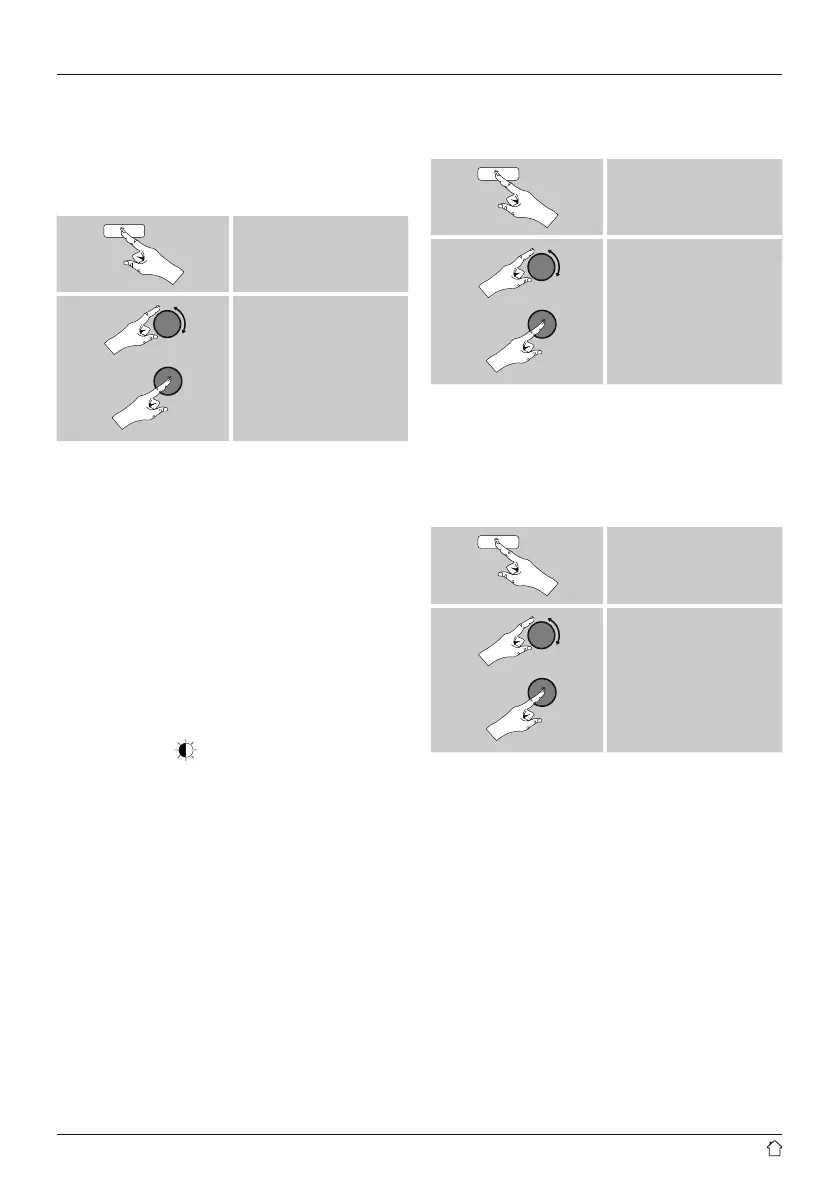
• Proceed as follows:
[menu]
System settings
Backlight
• For the operation modes Operation Mode and
Slumber mode, select between various brightness
levels.
• For Standby Mode, you may also choose a brightness
level for the backlight when the radio is in standby
(Standby Level). Alternatively, you can set the backlight
to turn off completely in standby (Standby Level
Off).
• Choose a time interval for Timeout. When the radio is
in standby, press [tuning] to illuminate the display at
the brightness level set for that operating mode for the
selected interval of time.
• Alternatively, you can disable this feature (Timeout
Off).
Alternatively, press [
] on the remote control to directly
adjust the backlight setting for the current operating mode.
15.10 Color theme
To change the color scheme of the display (Color of text
and background), proceed as follows:
[menu]
System settings
Color theme
15.11 AUX: Auto-Standby
In Aux in (Auxiliary Input) operating mode, the radio
switches to standby mode after 15 minutes, by default.
To disable (NO) or activate (YES) this feature, proceed as
follows:
[menu]
System settings
AUX: Auto-Standby


 To Next Page