30
15. System settings
You can modify all settings and access important
information about the radio in the System settings.
15.1 Equaliser
The equaliser allows you to adjust the sound of the radio
to suit your preferences by amplifying or reducing the
amount of bass or treble in the audio .
You can choose from precongured proles, adjusted to
suit a variety of music genres, or create your own custom
prole.
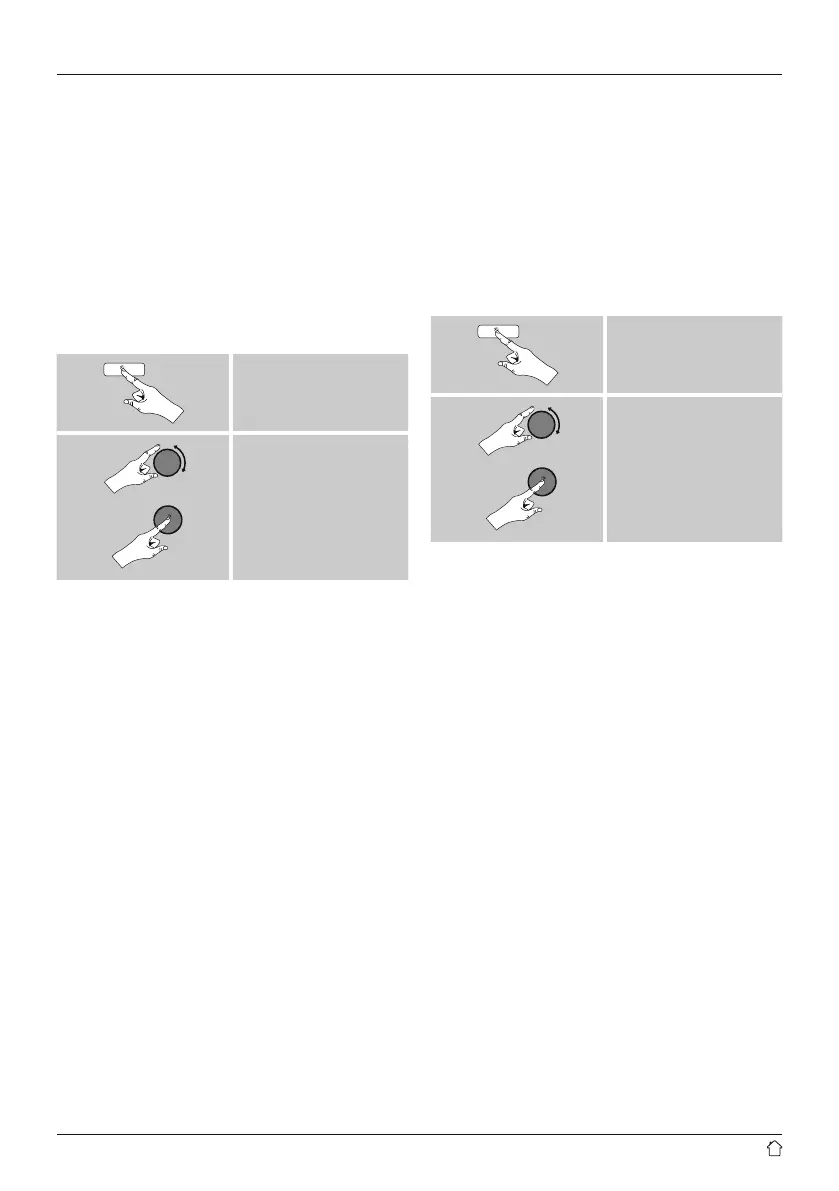
• To set the Equaliser, proceed as follows:
[menu]
System settings
Equaliser
• Use [tuning] to choose one of the precongured proles.
• To create your own equaliser prole, choose the option
My EQ prole setup.
• This takes you to the settings for Bass and Treble
• To adjust a particular value, press [tuning] at the
corresponding menu item and then change the value by
turning [tuning]. If playback is already started when you
modify these settings, you can hear the changes in the
audio immediately.
• Conrm your settings by pressing [tuning] once more.
• Complete the conguration process by pressing [back]
on the device and conrm the saving of settings by
pressing [tuning].
• To use the new prole, choose the item My EQ.
15.2 Network
15.2.1 Network wizard – Configuration of internet
connection / Automatic search
The Network wizard supports you to set up a
connection between the radio and internet. Hereby you
can choose between a wired LAN connection and a
wireless connection using WLAN/Wi-Fi. More methods
of conguration and detailed information are amplied
subsequently.
• You can start the Network wizard as follows:
[menu]
System settings
Network
Network wizard
• When the wizard is started, the radio searches for WLAN
(WiFi) connections and then shows a list of the available
networks.
• Turn [tuning] to switch amongst the networks
discovered. At the bottom of the list are options to
restart the search ([Rescan]), select a cable connection
([Wired]) or congure the connection yourself ([Manual
cong]).
• If your network is not found or the SSID (Service Set
Identication, that is, the name of your network) is not
shown, the network may be hidden or out of range. In
this case, try manual conguration or connecting by LAN
cable.
•


 To Next Page