26
11. FM
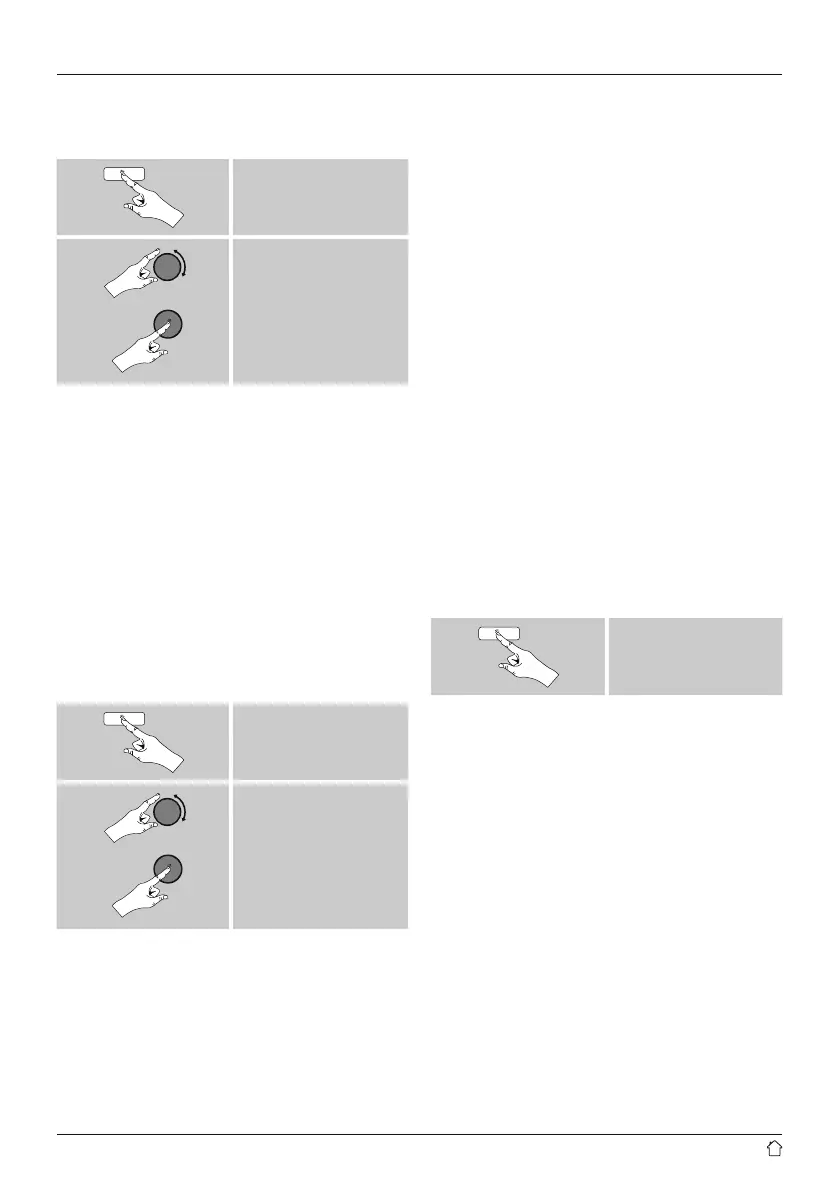
From the main menu or after pressing [mode] repeatedly,
activate operating mode FM (FM Radio):
[menu]
Main menu
FM
Alternatively, press [FM] on the remote control to switch
directly to this operating mode.
Stations that broadcast additional information regarding
the station and the programme, are highlighted on the
display with an RDS icon (Radio Data System).
Additional information were displayed by pressing [info].
11.1 Scan setting
The search run setting allows you to determine whether
stations with low signal strength are ignored during the
automatic search run.
Proceed as follows:
[menu]
Scan Setting
• To have the search run stop only at stations with high
signal strength, conrm the subsequent query by
selecting YES. Otherwise, the search run will stop at
every station for which a signal is received.
11.2 Automatic station search
• Press and hold [tuning] until the automatic station
search starts.
• The radio stops the search and starts playback when it
nds a station.
• Press [tuning] to continue the search until the next
station is found.
11.3 Manual station search
When you make station settings manually, you can dene
the desired frequency yourself and tune into stations that
were ignored during automatic station search because
their signals were too weak.
• Turn [tuning] (left: –0.05 MHz / right: +0.05 MHz) until
you see the desired frequency. Wait a moment until
playback of the received station signal begins.
11.4 Favourites
You can save up to 30 of your favourite stations for quick
and direct access.
11.4.1 Save favourites
• Set the station that you would like to save as a favourite
station preset.
• If the station is received, press and hold [preset] on the
front of the radio.
[preset]
An overview window with the station presets should open
after approx. 2 seconds.
• You can switch between the station presets (1 to 30) by
turning [preset].
• Press [tuning] to save the station on the desired station
preset.


 To Next Page