Microlab
®
STAR User Manual
Page 48 of 225 610766/02
keyboard or by a teaching box (accessory). The channel to be used for “teaching” is to be
specified, too.
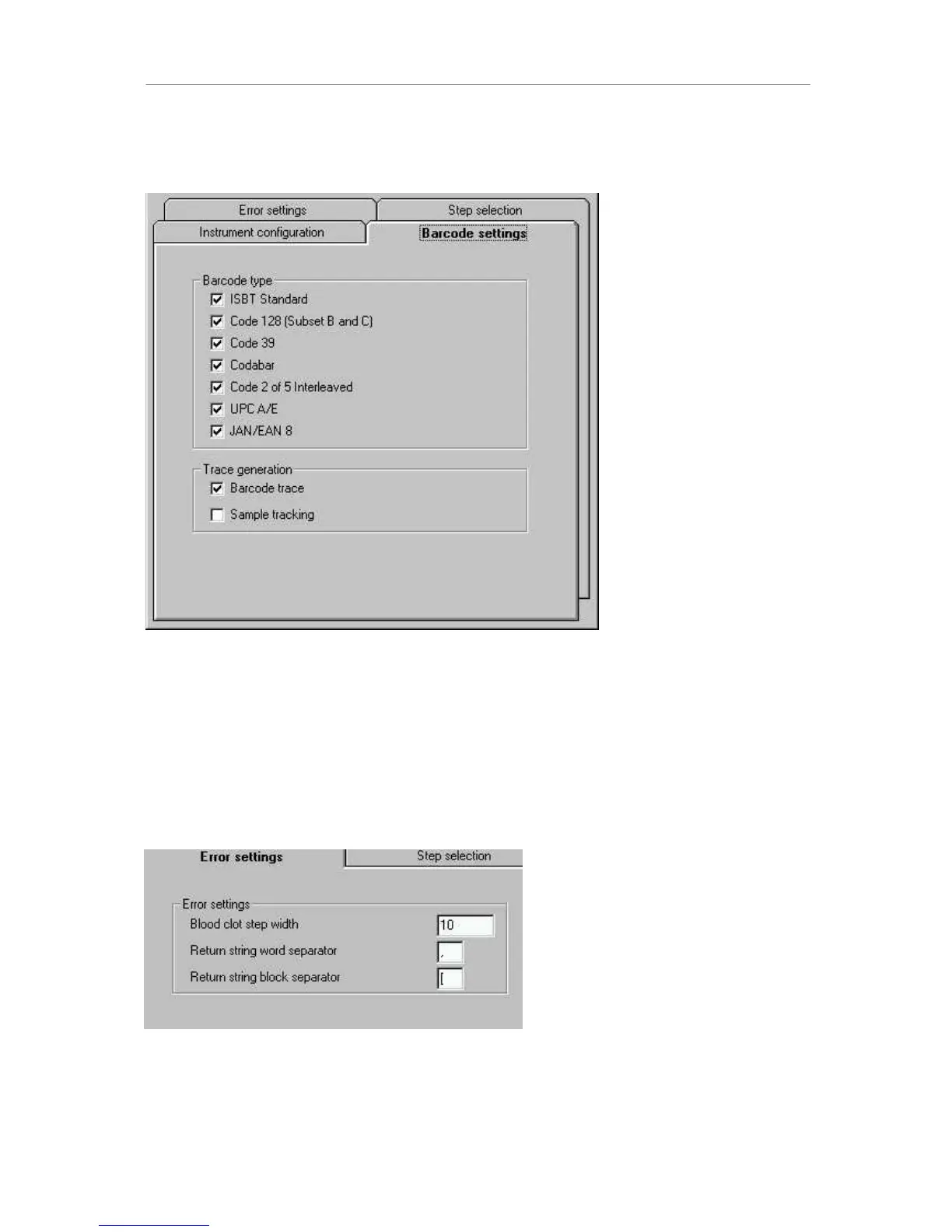
The next tab refers to barcode handling:
The different barcodes which are allowed on the instrument can be selected here. In
addition, the generation of a barcode trace file (barcodes_N.txt) can be switched on and off,
storing rack barcode and track position on deck as well as tube (or plate) barcodes and
positions within the rack. The sample tracker, which generates a database of liquid transfers
in the background can be switched on here, too. This sample tracker is used to generate a
Microlab AT-like barcode file using a special filter tool.
The error settings tab allows you to specify the step width in mm for blood clot error recovery
(the channels move up on request by the step width). The return string separators are used
to define the syntax of single step return values.
The step selection finally allows you to exclude steps such as the move commands from the
method editor.



 To Next Page