Microlab
®
STAR User Manual
Page 70 of 225 610766/02
127(
2QO\DIWHUWKHPHWKRGKDVEHHQOLQNHGWRDGHFNOD\RXWDUHWKHLQVWUXPHQWVSHFLILF
FRPPDQGVORDGHGLQWRWKHPHWKRGHGLWRU
/LQNLQJWKHGHFNRIDQRWKHULQVWUXPHQWWRDQ0/67$5ZLOOUHVXOWLQDQHUURUPHVVDJH
60$576WHSV
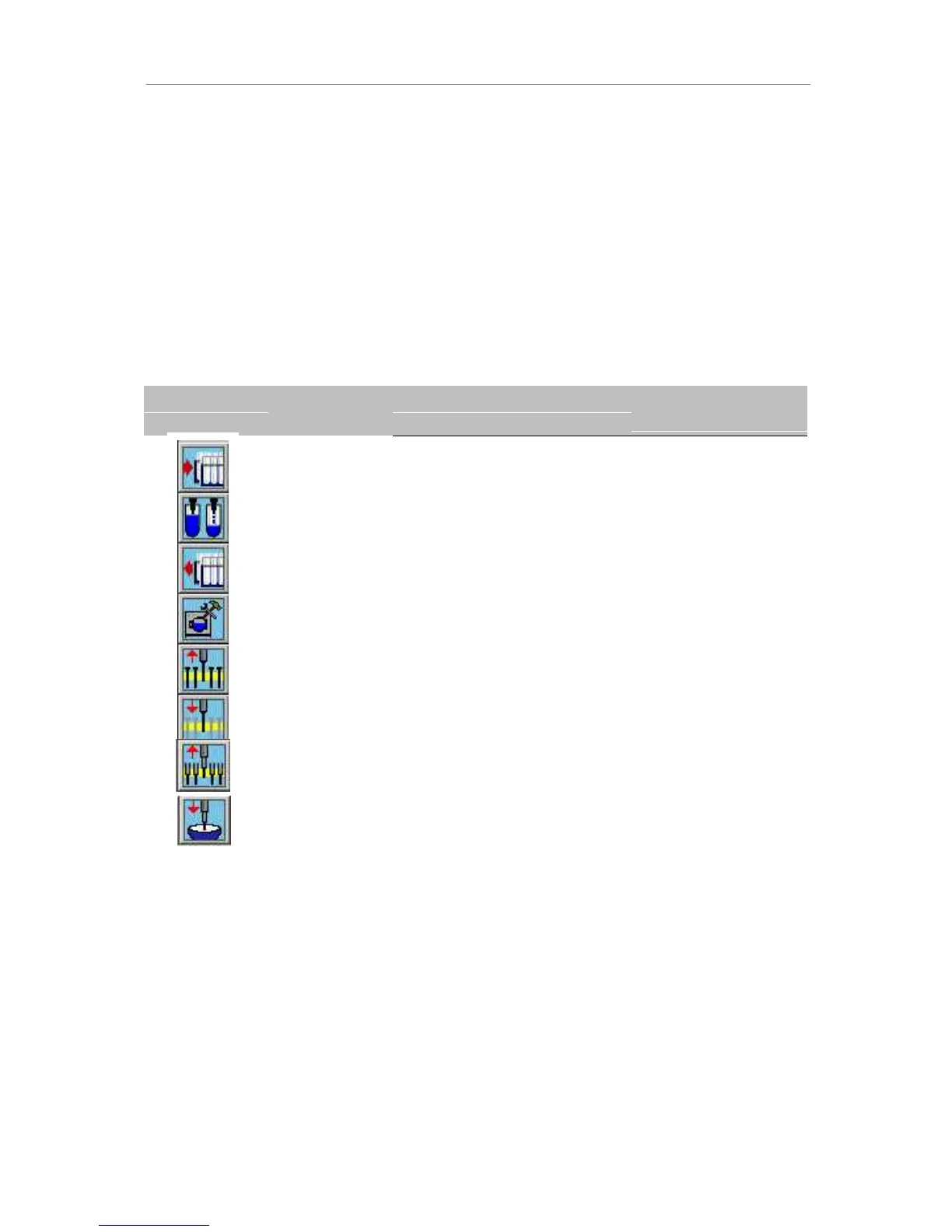
SMART steps are powerfull commands for programming the Microlab STAR. Whereas
single steps (see next chapter) are restricted to single actions like picking up tips, aspiration,
dispense, etc., SMART steps combine many single steps for specific tasks like filling a
microplate starting with tubes, aliquoting of reagent to a complete plate, loading the deck,
etc. The available SMART steps are:
,FRQ &RPPDQG $FWLRQSHUIRUPHG 3DUDPHWHUVWREH
VSHFLILHG
Load Deck
Pipette With
Tips
Unload Deck
Define Needle
Wash
Pick up
Needles
Release
Needles
Load carrier on deck
Pipette using disposable tips
Remove carrier from deck
Specify parameters for needle
wash
Pick up Needles from Wash
Station (or Racks)
Release Needles in racks or
wash station (and start wash)
Sequence, carrier
calibration
Pipette mode, volumes asp/disp
control seq, liquid class, tip
seq, tip handing/replacement,
tip counter
Sequence
Wash sequence, start
with liquid, settings
Needle sequence
Needle sequence
Pick up tips
Eject tips
Pick up disposable tips from tip
rack
Eject disposable tips into tip
waste
Tip sequence, tip
counter
none
The method editor allows you to freely combine SMART steps and single steps.
For all SMART steps, the instrument name is to be selected. This is set by default to the
Microlab STAR’s short name and cannot be changed within the SMART steps. Only in the
case of two or more instruments linked together is a selection necessary.



 To Next Page