Microlab
®
STAR User Manual
Page 96 of 225 610766/02
+6/0HWKRG(GLWRU
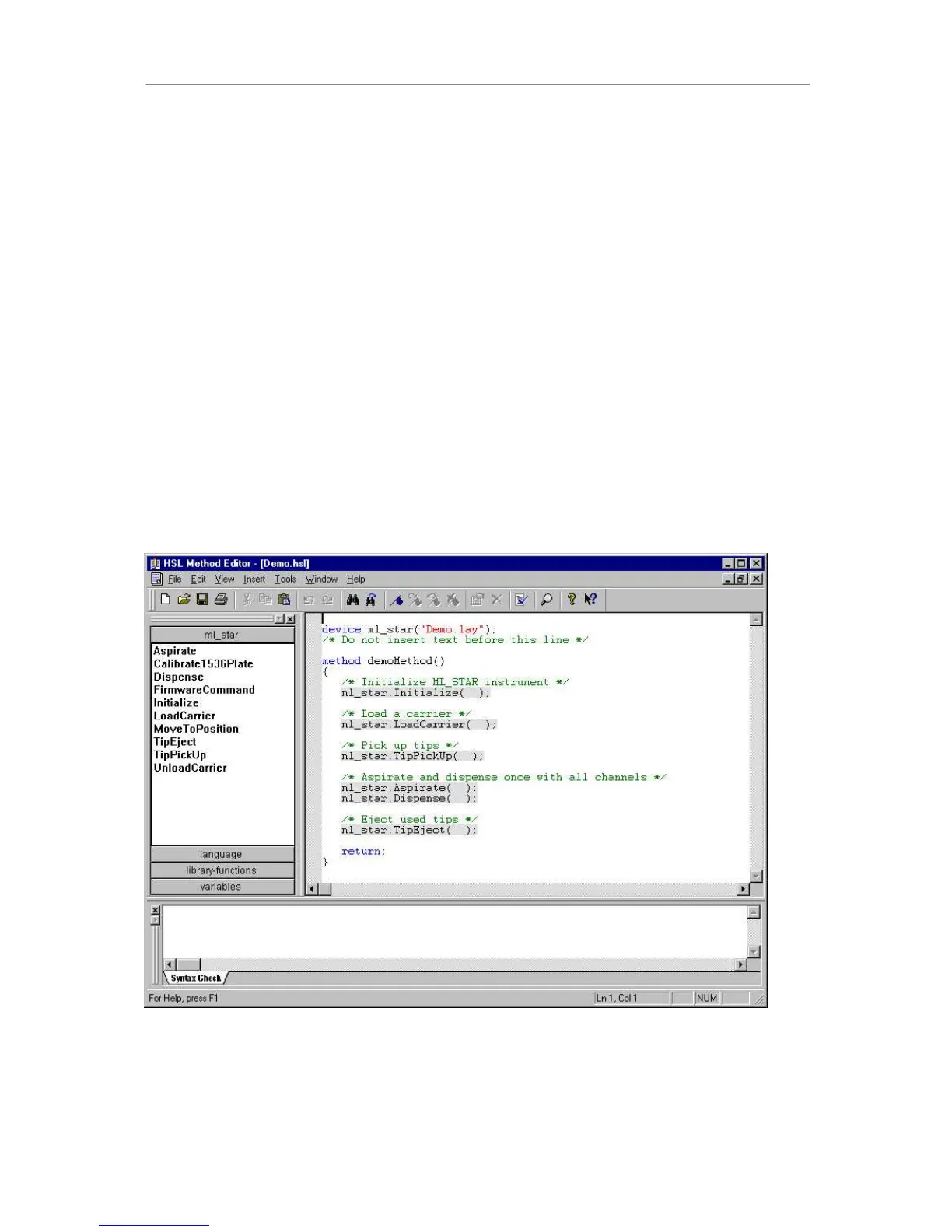
The HSL method editor gives the user access to the underlying HSL code, offering higher
flexibility for programming methods. Usually this method editor is used only to customize
methods written with the graphical method editor. Of course, a complete method can also be
written using the HSL method editor.
The +6/0HWKRG(GLWRU is a general-purpose text-like editor that can be used to create
methods based on+6/ (+$0,/7216WDQGDUG/DQJXDJH) for any instrument system. It is a
sub-component of the User Software. Parameters for instrument steps are entered using
dialog boxes, and may include variables. The editor makes use of the same instrument-
specific steps as the graphical method editor. It allows methods to be created, saved,
modified and printed.
To use the +6/0HWKRG(GLWRU
• Open Windows Explorer
• Go to folder \Program files\Hamilton\Bin
• Create a shortcut to the executable file named HxHSLMetEd.exe on the desktop.
Use the +6/0HWKRG(GLWRU shortcut you have placed on the desktop to start it. Then use the
1HZmenu to create a new method based on an existing deck layout, or open a previously
written method by means of the File->Open menu.
+6/0HWKRG(GLWRU



 To Next Page