Microlab
®
STAR User Manual
Page 100 of 225 610766/02
0HWKRG/LQNLQJ
The Microlab STAR user software allows you to link different methods together prior to
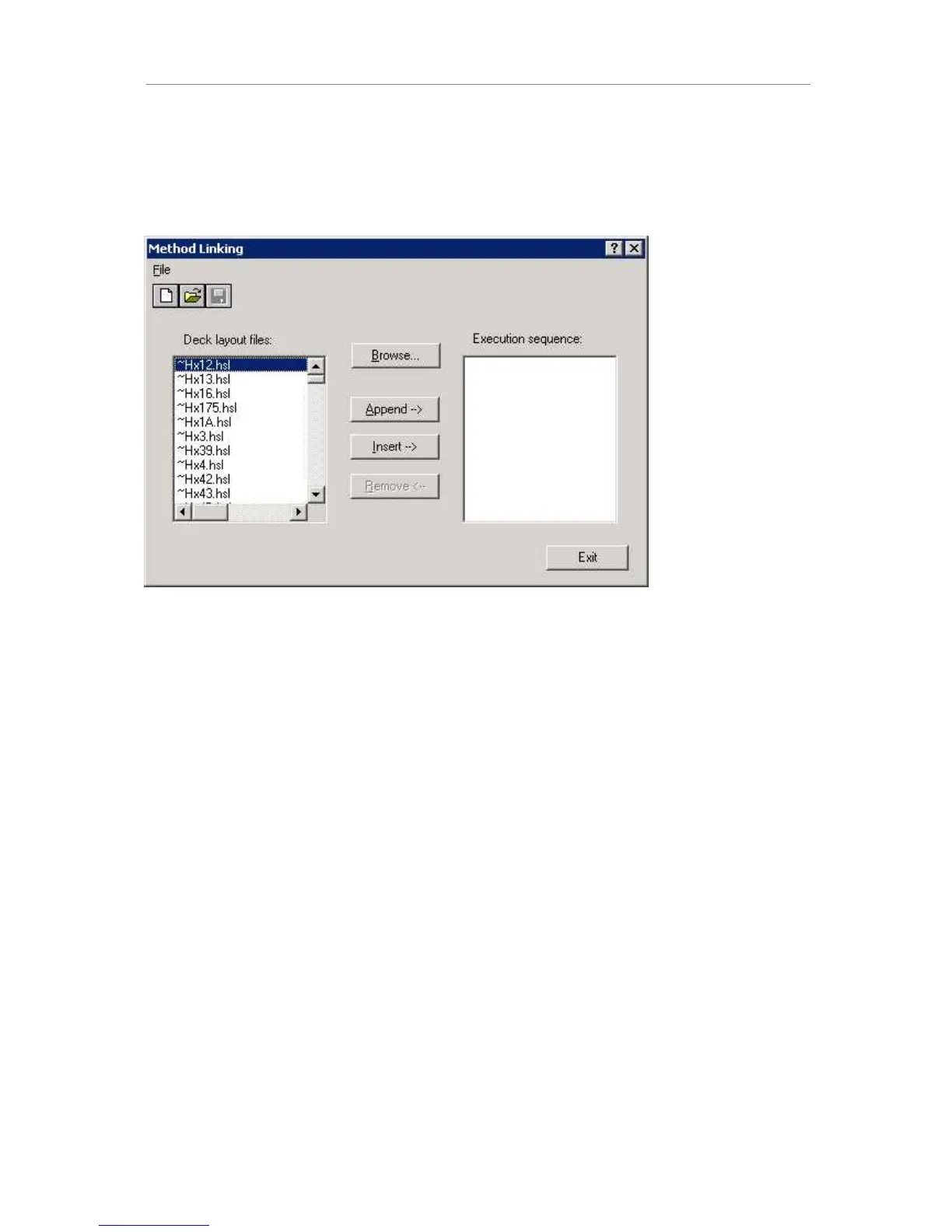
starting the merged or linked run. To do so, open the Deck Layout Editor and select “File-
>Method Linking”. A dialog appears:
Select the first method of interest and click on the buttons to add the method to the list on the
right-hand side. It is recommended to select HSL files (.hsl) rather than layout files (.lay) or
method files (.med).
Select File->Save to generate a chained method file (.cmt). Close the dialog by clicking on
exit. Close the deck layout editor. Open the Run Control by double-clicking the shortcut on
the desktop. Open the newly created .cmt file and execute it.



 To Next Page