Microlab
®
STAR User Manual
Page 50 of 225 610766/02
'HILQLQJWKH'HFN/D\RXW
In the Hamilton Deck Layout Editor, the user is prompted to tell the system which labware
(carriers, racks, or containers) is to be used in the procedure, and where these items are
placed on the deck. This is called “defining a deck layout”.
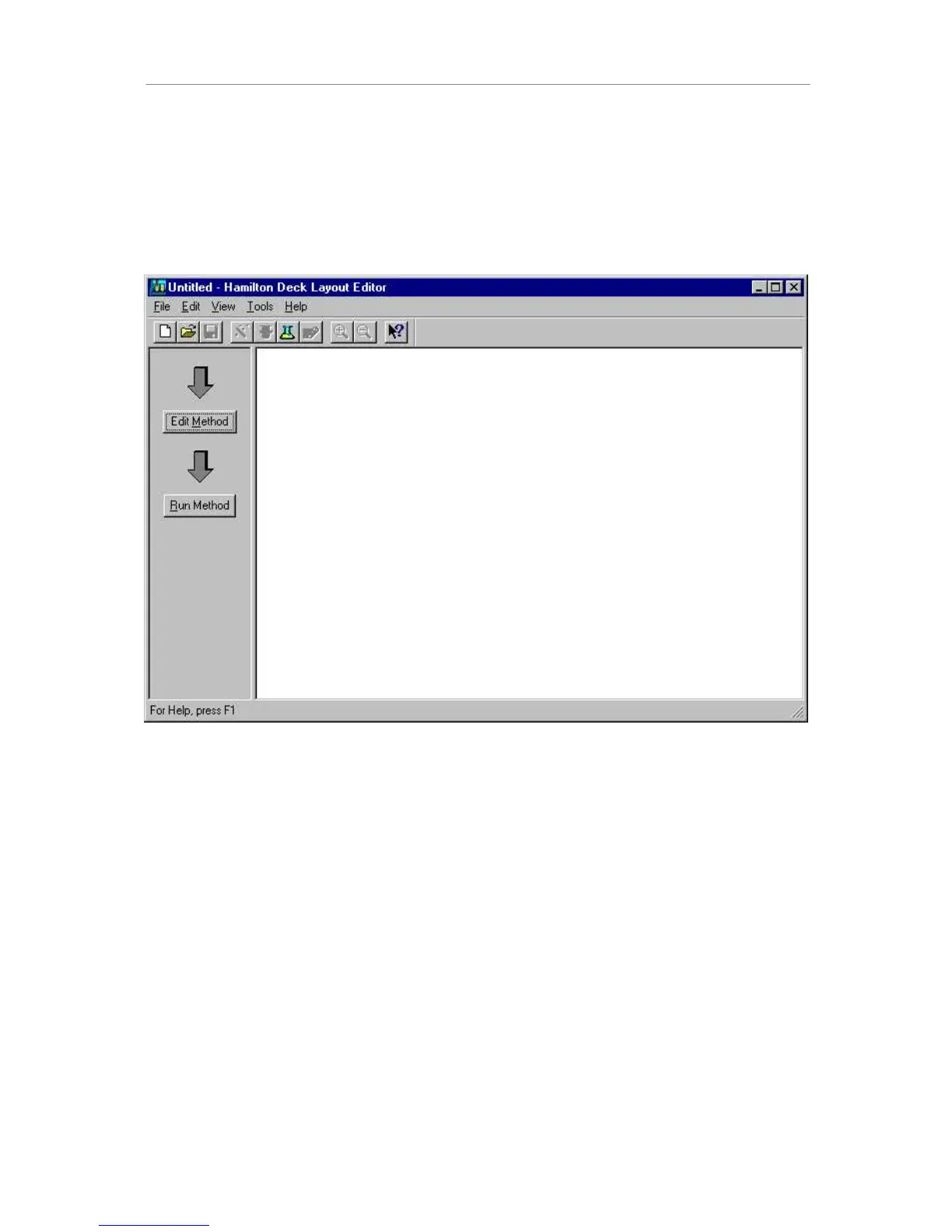
The 'Hamilton Deck Layout Editor is started by double-clicking the shortcut icon displayed on
the desktop of your PC.
'HFNOD\RXWHGLWRU
The method editor and the run screen can be started from the deck layout editor by clicking
the appropriate buttons located in the leftmost frame.
For access to the main modules, a toolbar is provided. In that toolbar the following choices
are available (some of which are deactivated):
• New deck layout
• Open deck layout
• Save deck layout
• Method editor
• Run execution
• Labware editor
• Sequence editor
• Zoom in deck layout
• Zoom out deck layout



 To Next Page