Microlab
®
STAR User Manual
Page 98 of 225 610766/02
5XQ&RQWURO
Run Control enables you to execute your methods.
During execution of a method, the instrument steps are automatically logged and displayed
in the log window as well as written in a trace file with the same name as the relevant layout
file. The Run Screen shows a static view of the deck layout. Because there is an open n:n
relation between methods and deck layouts (see chapter 4), the Run Control may start either
deck layouts (*.lay), or methods (*.hsl). A further alternative is to start linked methods (*.cmt).
The run control may be accessed by the shortcut buttons of deck layout or method editor.
Then, the method of interest is automatically loaded into the Run Control. Alternatively, the
Run Control may be started by double-clicking the “Microlab STAR Run ” shortcut on the
desktop. Then, the method (or the deck layout) of interest must be opened from the run
control by selecting File->Open from the menu.
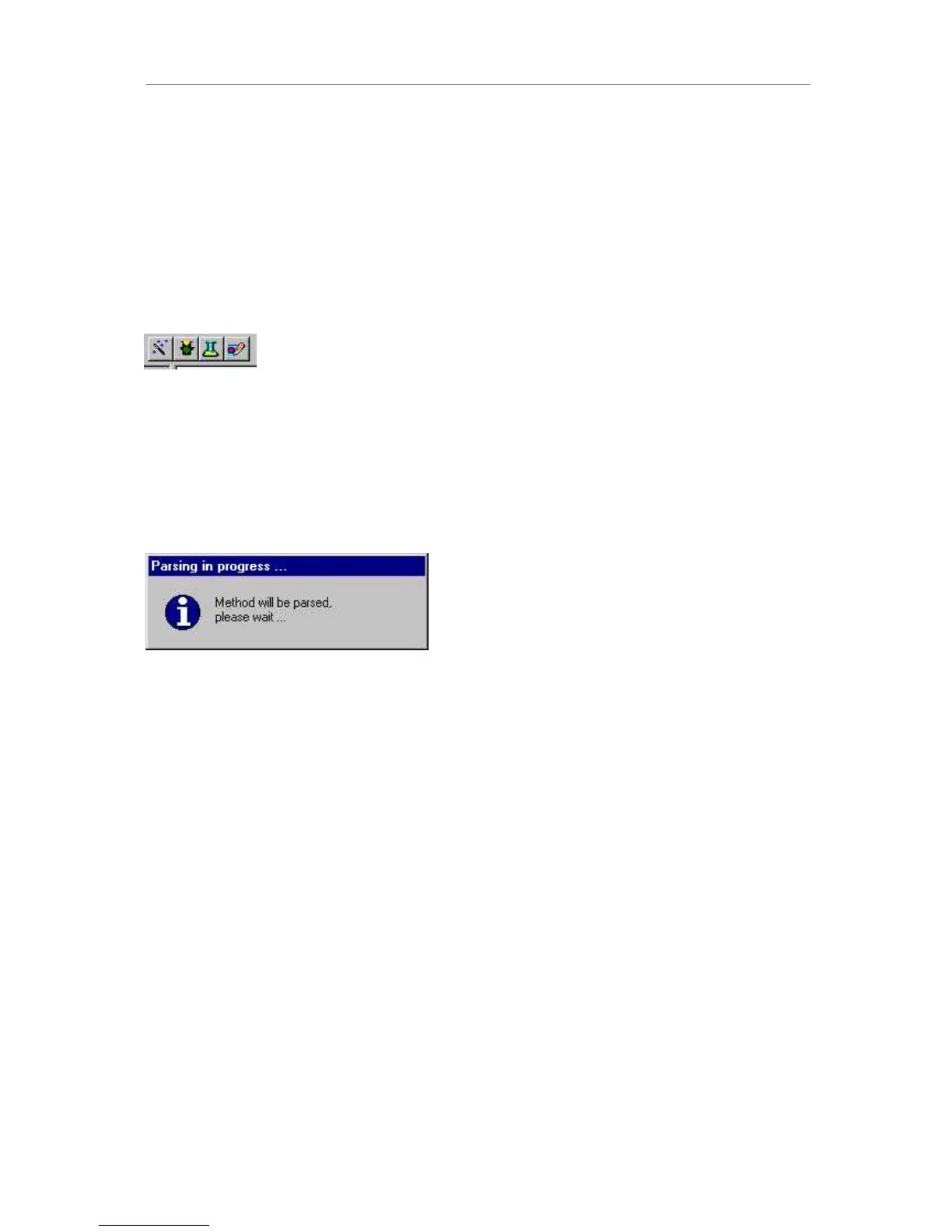
On opening the method, a dialog box appears for a period of time, informing the user that the
method is being parsed, i.e., analyzed. This procedure may take up to a minute, depending
on the size of the method.
3DUVLQJDPHWKRG



 To Next Page