Microlab
®
STAR User Manual
Page 60 of 225 610766/02
Additionally, the functions of the sort/filter panes can be applied to the selected rows of the
grid (if selected) or all grid contents. Once the labware positions in the sequence are in the
desired order, save the sequence. Saving fixes the order of each row in the grid as the order
of the labware positions in the sequence. On saving, you are requested to give a name to
the sequence.
Any existing sequence in the deck layout can be activated for viewing and/or editing by
selecting the sequence name in the drop-down menu. Additional labware positions can be
inserted in the active sequence by selecting them in the deck layout view. Existing positions
can be removed. Positions can be reordered as described above. The sequence can be
resaved to fix its positions according to the new order.
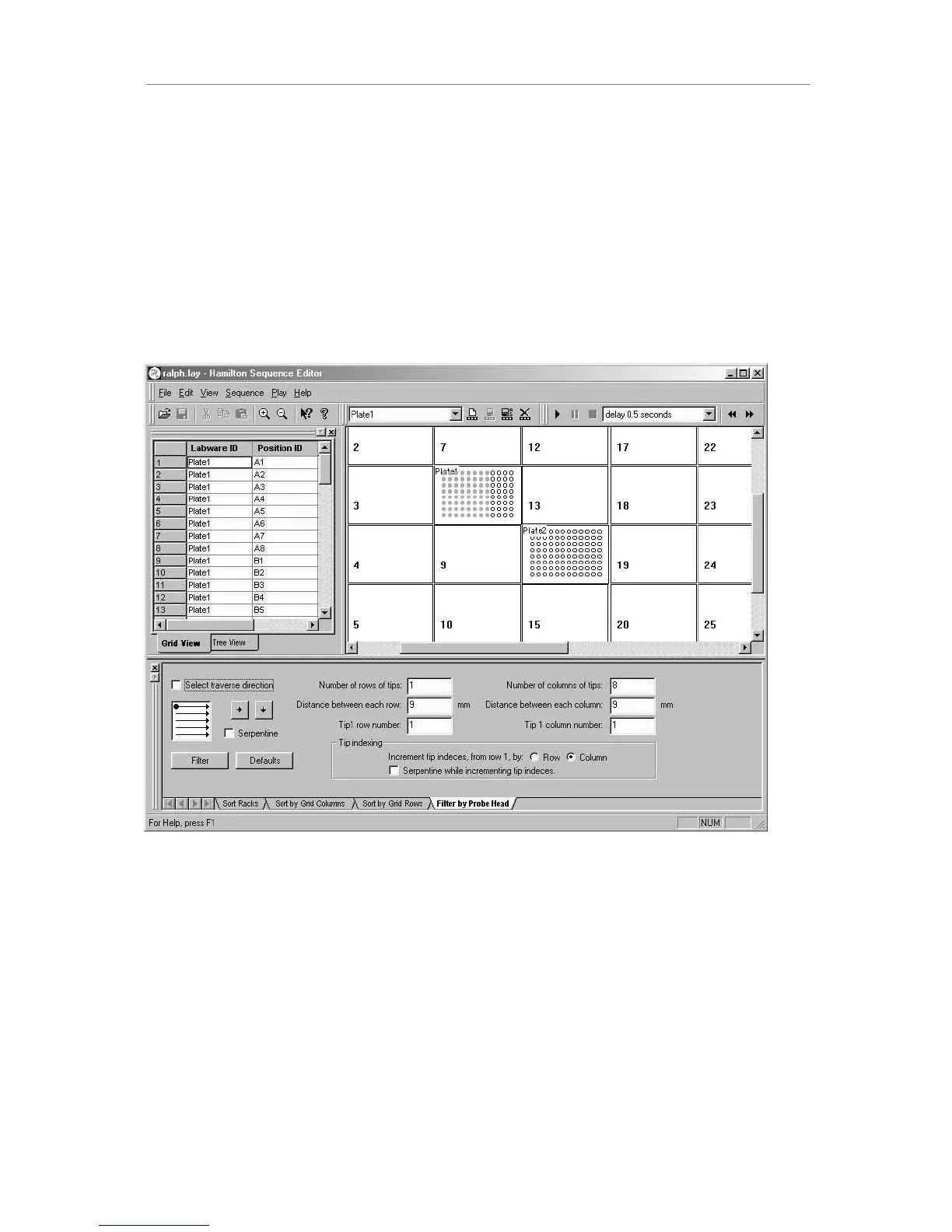
The tree view in the left pane displays the sequence from a tree-oriented perspective, where
the tree’s leaves are the positions in the sequence.
$GGLQJ3RVLWLRQVWRD6HTXHQFH
Use the mouse to select labware positions to insert in the sequence as follows.
1. Left-clicking on labware position adds the position to the sequence. That means it either
(a) inserts it in sequence ahead of the (first) selected row in the grid, or (b) appends the
position after the last row in the grid if no rows are selected.
2. Rubber-banding a rectangle of wells adds a block of positions to the sequence. The
block of positions is added in a manner similar to that employed when adding a single
labware position. The block of positions is ordered according to default sequence for all
labware object(s) involved.
3. Control-left-click on labware position toggles the position’s status in the sequence. That
means it inserts the position in the sequence if it’s not already there (same as left-click on



 To Next Page