46
Slow down
Slowly loosen the thumb, the direction speed control button will return automatically and the
truck slows down.
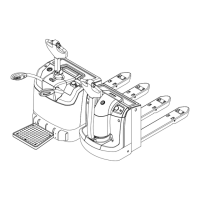
Stand-on type
Start up the truck
Open the pedal
Step on the pedal
Swivel the control handle to driving range (F).
Adjust the direction speed control button (19) to the desired direction
Control truck speed by direction speed control button (19). Speed is controlled by rotating the
driving switch, and the maximum rotation can get fast speed.
Others refer to pedestrian-type contents.


 To Next Page