MS1000 Control System
Installation Guide
hanwell.com
Page 9 of 30 GD6063-1
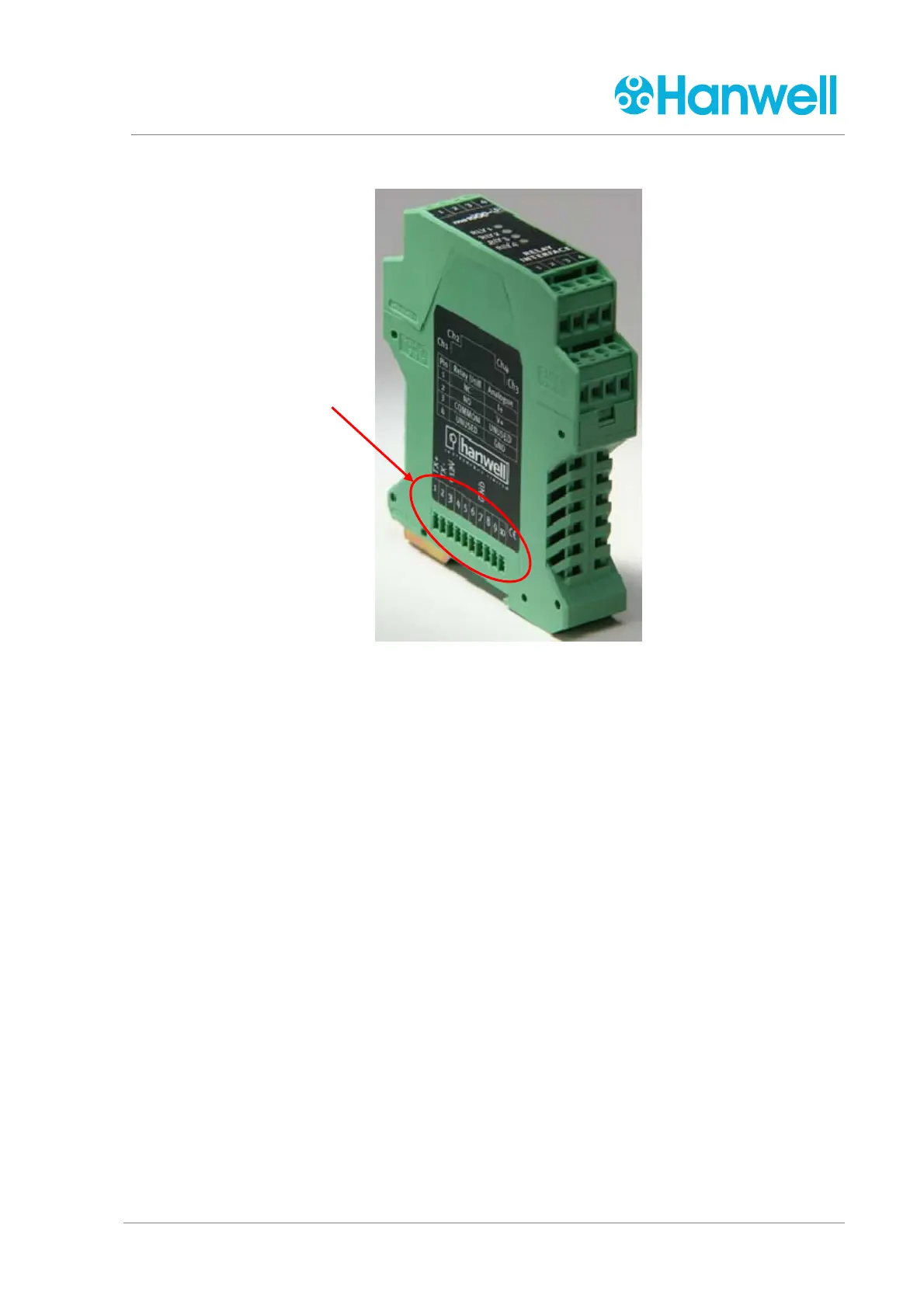
Figure 4 - Output Card
<<NEED PHOTO OF PINS ON OTHER SIDE>>
Each Output Card can output four separate data streams in four individual channels.
See Figure 8.
Output Cards can be added to or removed from the MS1000 Control System/Panel
according to:
The complexity of the system being controlled.
The type of input required by, for example, the Building Management System’s
(BMS) control systems.
The presence and number of any alarms on the system being controlled.
The input signal, received directly from the sensors or via a Controller, is passed from
the first Output Card added to each additional Output Card via a series of 10 pins and
corresponding sockets on each side of the card.
The first Output Card receives the input signal from the MS Connector which is
directly wired to either the Controller or the MS1000 Control Unit (see Figure 7 –
MS Connector Wiring).
Pins/Sockets 1, 2, 3 and 7 are used to pass the input signal and power supply
between each Output Card. See Figure 5 Output Card Mounting and Pins.
Data/Power Input Sockets



 To Next Page