Instructions for use for the user p. 42/48
Example
Perform the following steps to save the settings in the table above in user pro-
gram 2:
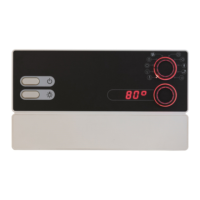
1. Turn the function selector 2 to position A (temperature).
► The temperature symbol lights up.
2. Use the intensity selector 3 to set the temperature to 80 °C.
3. Press the intensity selector 3.
► The intensity selector 3 lights up.
4. Turn the function selector 2 to position C (light).
► The light symbol lights up.
5. Use the intensity selector 3 to set the light to 50 %.
6. Press the intensity selector 3.
► The intensity selector 3 lights up.
7. Turn the function selector 2 to position D (fan).
► The fan symbol lights up.
8. Use the intensity selector 3 to set the light to 10 %.
9. Press the intensity selector 3.
► The intensity selector 3 lights up.
10. Turn the function selector 2 to position G (user programs).
► The user symbol lights up.
11. Use the intensity selector 3 to select user program 2.
12. Press the intensity selector 3 for one second.
► The intensity selector ashes.
► The settings are stored in user program 2.
User
program
Temperature
°C
Additional
output
Light
%
Fan
%
2 80 0 50 10


 To Next Page