Instructions for use for the user p. 38/48
10.9. Setting the duration
When you start the sauna, you can already determine how long the sauna is to
operate. In this case, the maximum heating time cannot be exceeded (e.g. 6 h
for private saunas). The duration is shown in hours and minutes, e.g. 3 hours
and 15 minutes is shown as 3.15.
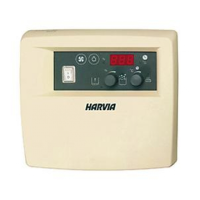
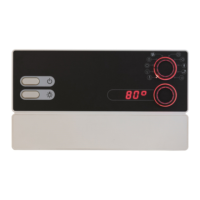
1. Turn the function selector 2 to position F (duration).
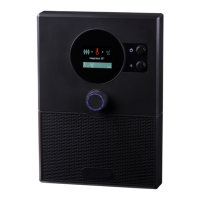
► The most recently set duration is shown in the intensity display 4.
2. Use the intensity selector 3 to set the preferred duration.
3. To save the operating time permanently, press the bottom knob for one second.
► The bottom knob lights up 4 times – the setting is saved.
10.10. Changing the preset values
You can change the preset values at any time during operation.
1. Turn the function selector 2 to the function you want to change.
2. Use the intensity selector 3 to set the preferred preset value.
If you want to set long durations, use the quick preset function:
● Press the intensity selector 3 and turn it at the same time.
► The duration changes in steps of one hour.
10.8. Cancelling the preset time function
● Press the intensity selector 3 to cancel the preset time function.
► The preset time countdown is cancelled.
► The preset time symbol lights up and stays lit.


 To Next Page