EN
Instructions for use for the user p. 31/48
9.3. The intensity selector
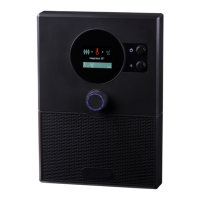
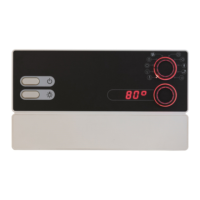
The intensity selector 3 allows you to adjust the intensity or output of each
function which is selected on the function selector 2.
● Turn the intensity selector 3 to the right to increase the output.
● Turn the intensity selector 3 to the left to decrease the output.
When you press the intensity selector 3, you start the function which is selected
on the function selector 2.
● The intensity selector 3 lights up when the function selected on the function
selector 2 is switched on.
10. Operation
10.1. Switching on the light
The light in the sauna room can be switched on and off independently of the
ON/OFF switch 6.
● To switch the light on or off on the power unit, press the light switch 5.
If the light switch 5 is switched on, the sauna room light will operate at
full power. If you wish to dim the light above the intensity selector 3,
switch off the light switch 5.


 To Next Page