Instructions for use for the user p. 32/48
Basic operation
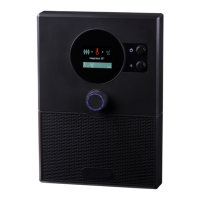
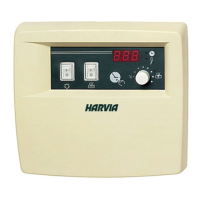
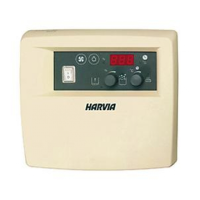
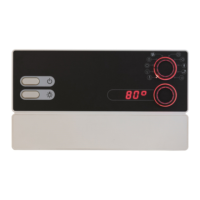
1. Turn the function selector 2 to the function (Sauna, Light, Fan,
Additional output) you wish to start.
2. Select the intensity of the function with the intensity selector 3.
3. Press the intensity selector 3 to start the function.
WARNING!
Risk of re
Flammable objects that are placed on the sauna heater could ignite and
cause res.
● NEVER place ammable objects on the sauna heater.
● Make sure that NO ammable objects have been placed on the sauna
heater before the sauna control unit is switched on.
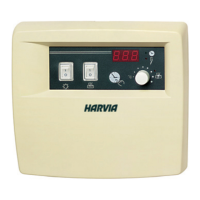
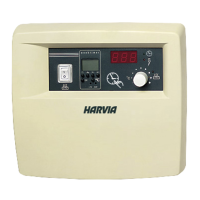
● Press the ON/OFF switch 6, to switch on the sauna control unit.
► The function selection switch 2 lights up.
10.2. Switching on the sauna control unit
10.3. Starting the sauna
1. Turn the function selector 2 to position A (temperature).
► The temperature symbol lights up.
2. Use the intensity selector 3 to set the preferred temperature.
3. Press the intensity selector 3.
► The sauna heater is switched on and begins to heat up.
► The intensity selector 3 lights up.
► Then the current temperature in the sauna room is displayed in the intensity
display 4. In single-sensor mode, the preset temperature is displayed.


 To Next Page