57
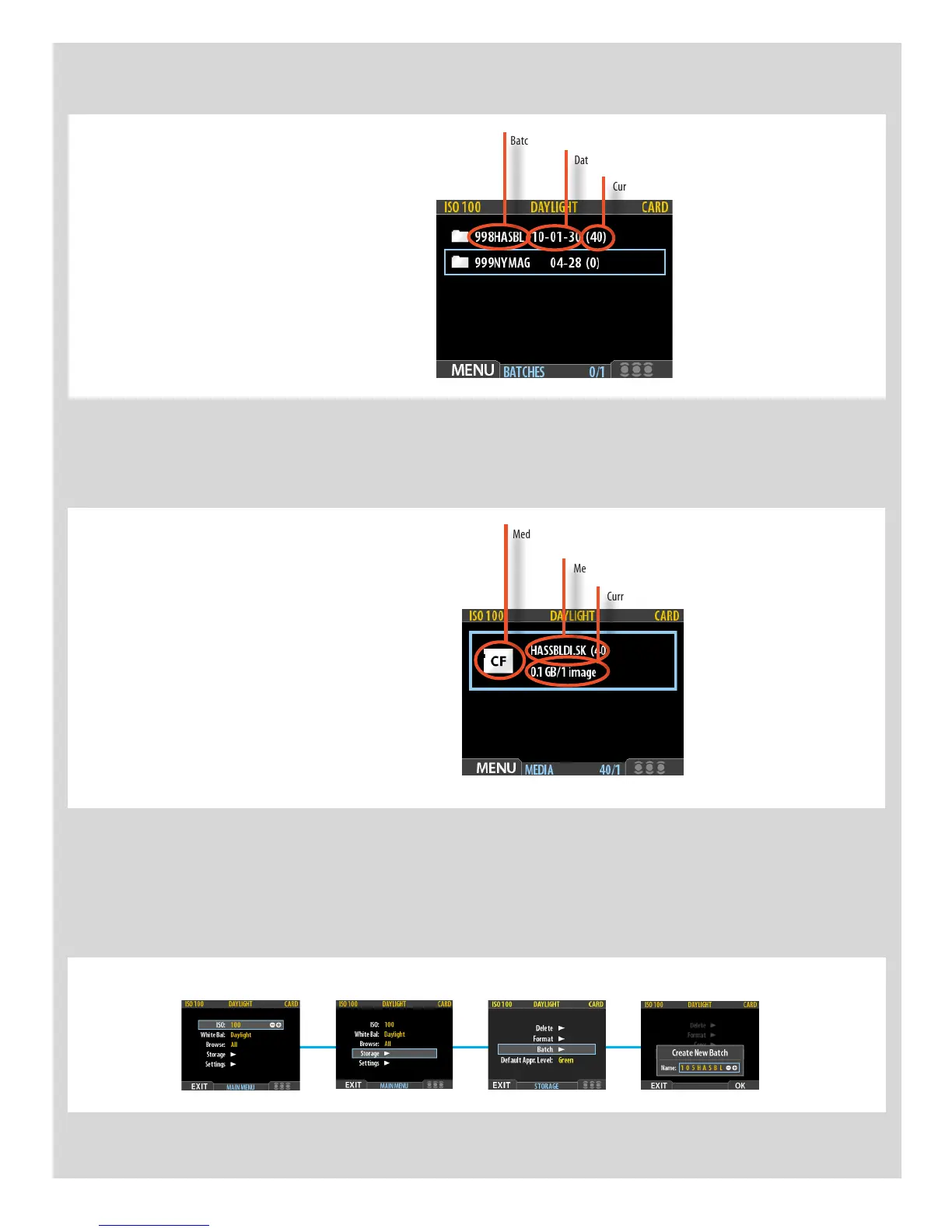
Batch and Media screen overview
Medium-type icon (Compact Flash)
Medium name
Current remaining capacity on medium
The MEDIA screen.
Displays information about the Current Medium
Batchname
Date the batch was created
Current batch capacity
The BATCH screen.
The blue frame around a folder tells you that it is
the Current Batch.
Creating new batches















 To Next Page