30 Hayes Modem Installation Guide
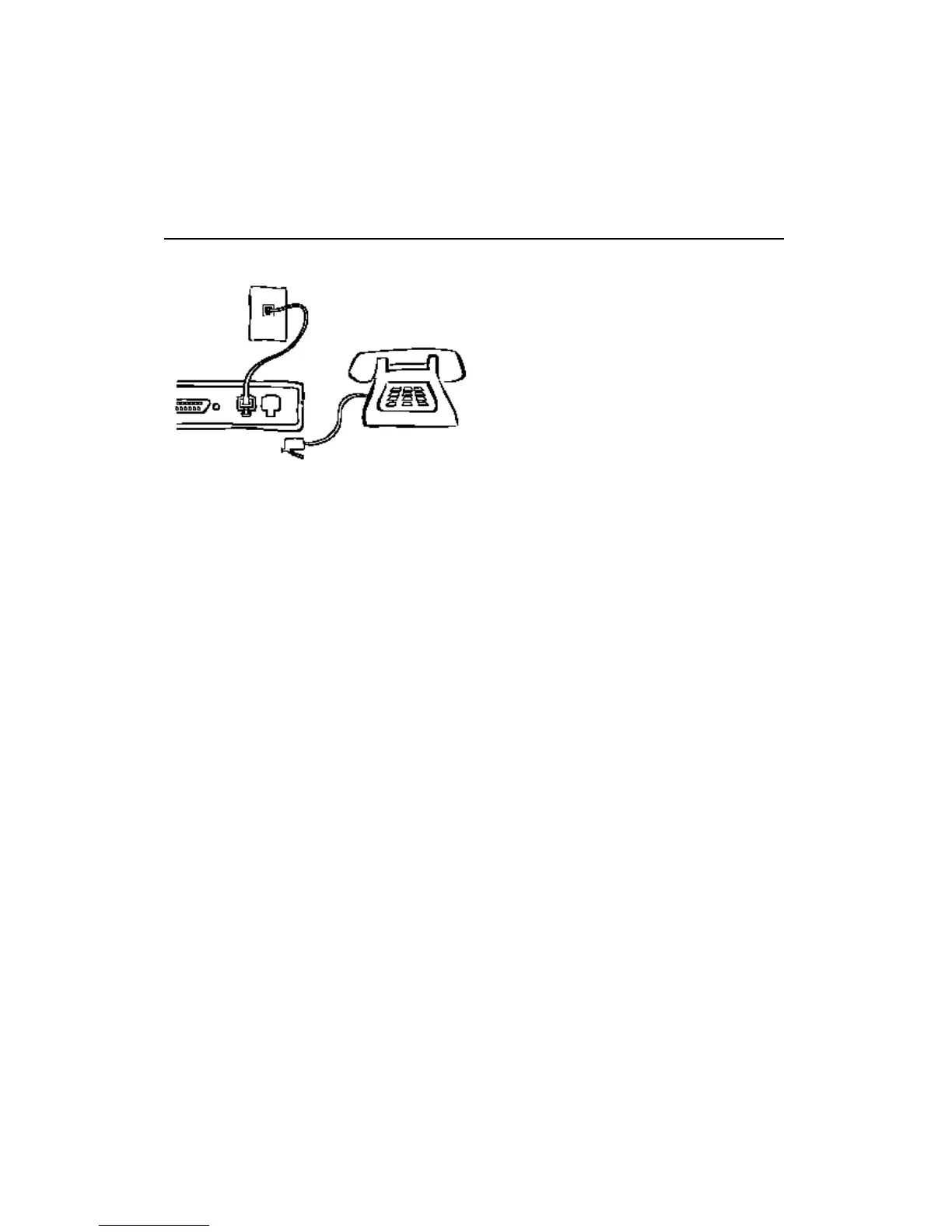
Connecting to a Phone Outlet
1. Plug one end of the telephone cable into the modem’s LINE
connector.
2. Plug the other end into the telephone wall jack.
3. If you want to use a telephone on the same line as the modem,
plug one end of the telephone cable into your phone and plug the
other end into the PHONE connector on the modem.



 To Next Page