32 Hayes Modem Installation Guide
Connecting to a PC
1. Turn the modem and computer off.
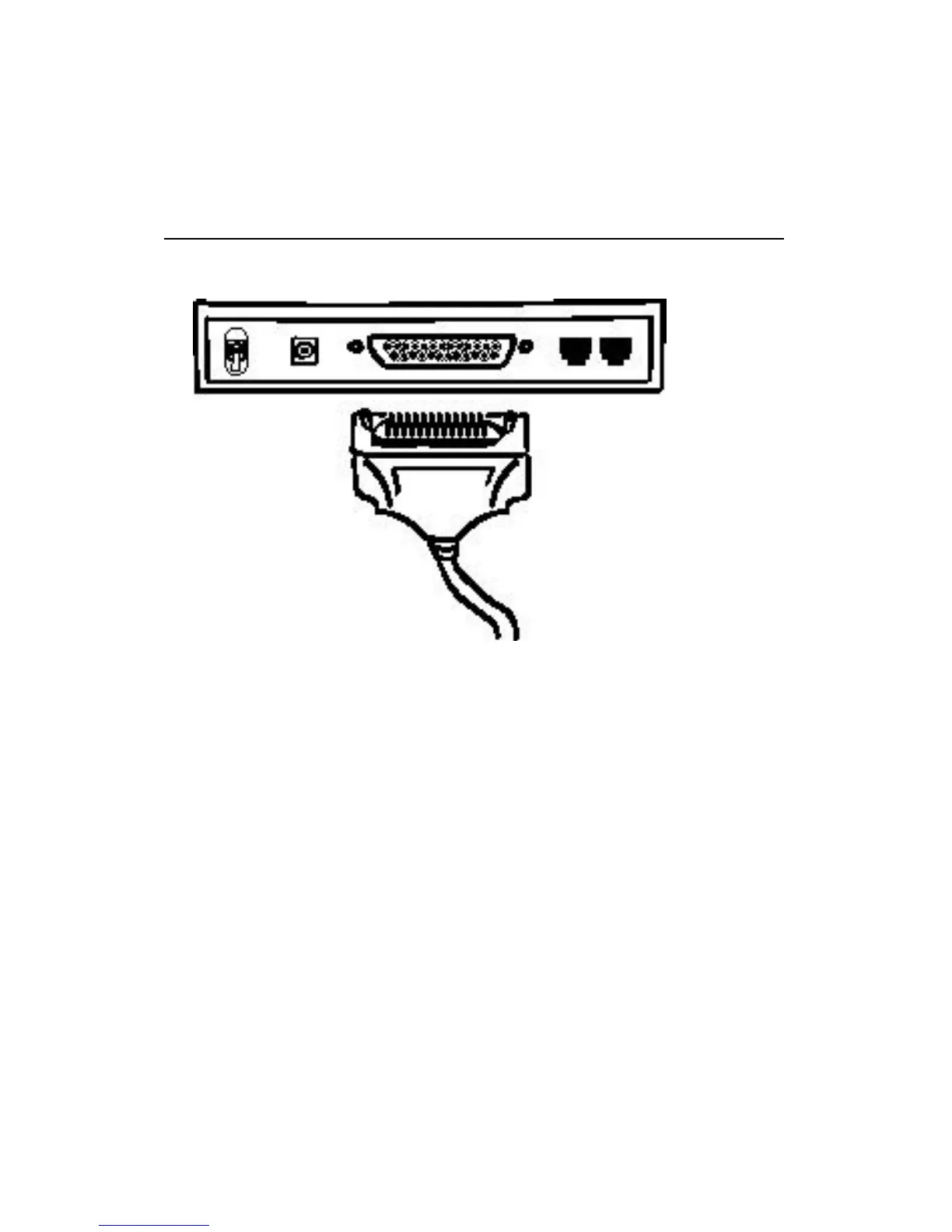
2. Plug the male end of the modem cable into the female connector
marked DTE INTERFACE on the modem’s rear panel and tighten
the screws.
3. Plug the other end of the cable into the serial port on the back of
your computer.
Note: The port on the back of your computer that the modem plugs
into is a COM port. You need to be sure that the communications
software you will be using knows the COM port “number” (e.g.,
COM1, COM2, COM3, etc.) where the modem is located.



 To Next Page