46 Hayes Modem Installation Guide
Selecting a COM port from the Windows Control
Panel Menu:
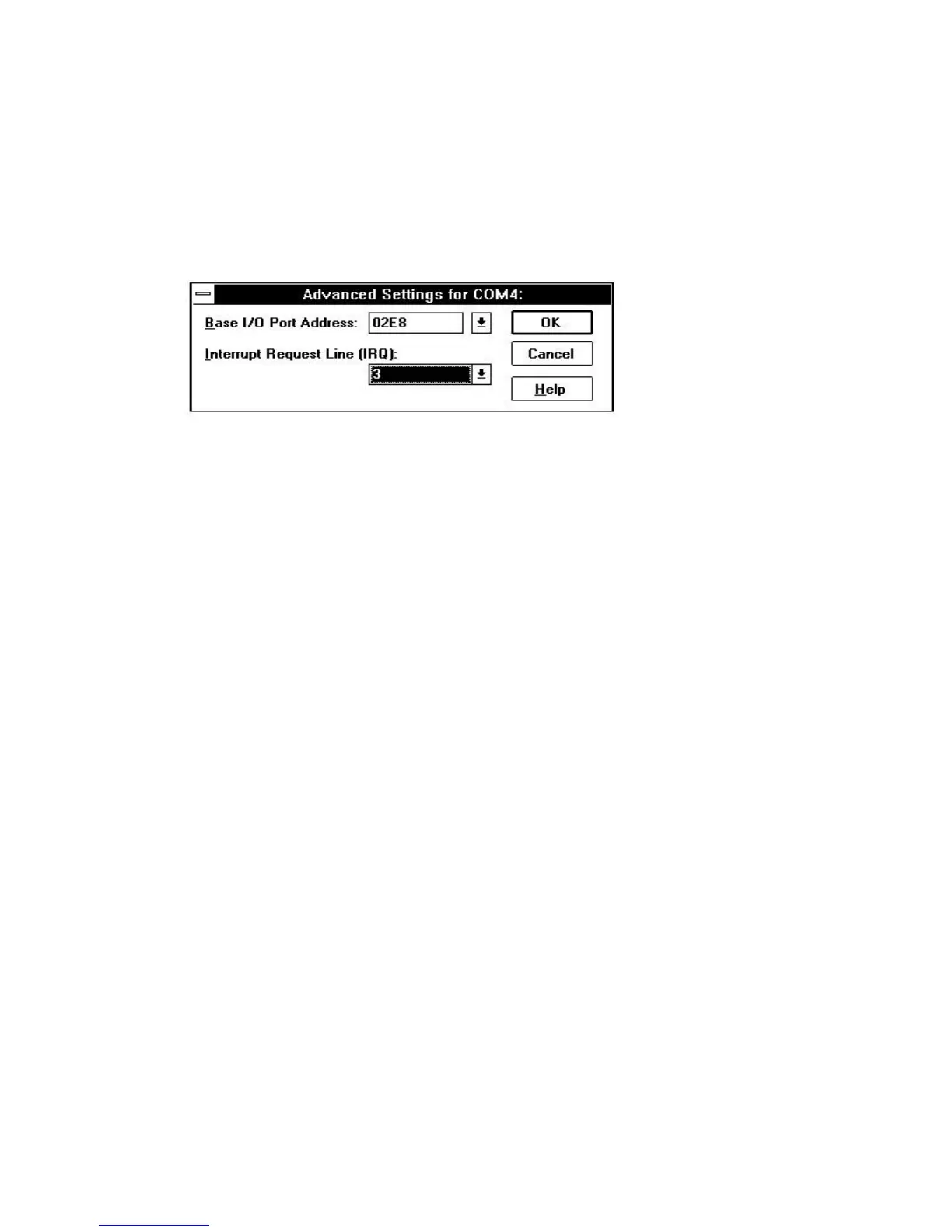
Example:
Selecting COM4 from the Windows 3.1 Control Menu:
1. Open Microsoft Windows.
2. Select Main and then Control Panel.
3. Select Ports.
4. Select the COM4 icon.
5. Select Settings.
6. Select Advanced.
7. Change the base I/O Port address from default to 02E8.
8. Change the IRQ setting from default to 3.
9. Select OK and Restart Windows now.



 To Next Page