Operation
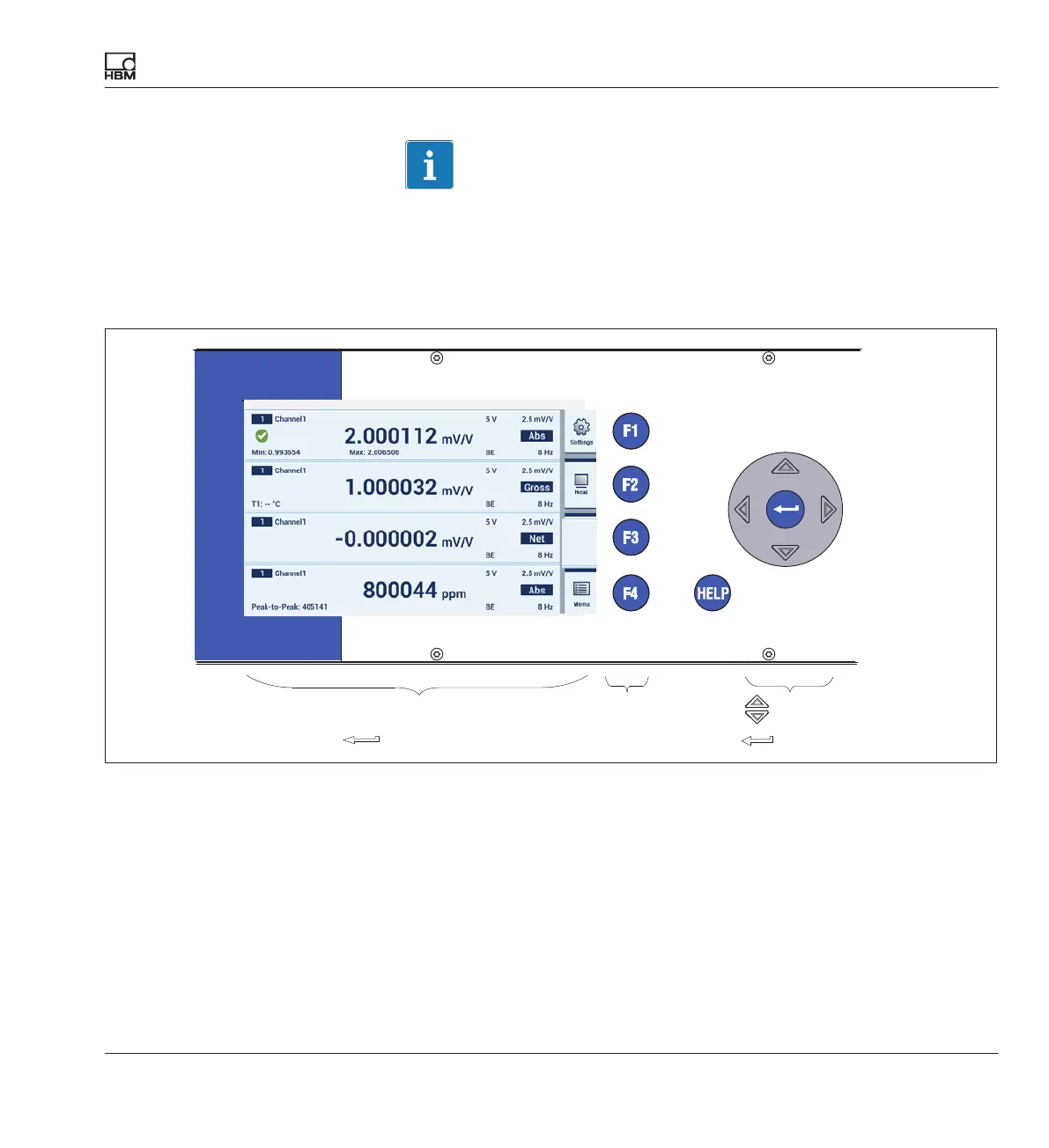
Control elements
DMP41 A03470_07_E00_00 HBM: public 49
Important
The cursor keys on the front panel correspond to the arrow keys of the PC
keyboard, while the function keys of the front panel are equivalent to keys
F1 to F4 on the keyboard.
Navigation information
Operation by means of cursor keys, mouse, touch
Confirm with
Function keys
F1 to F4
Cursor key
Enter key
Operation via the front panel keyboard
You can make all the settings for your DMP41 by means of the control keys
on the front panel. There are two operating modes available, measuring
mode (Measure) and setting mode (Settings).



 To Next Page