Configuration
Device configuration in setting mode
80 A03470_07_E00_00 HBM: public DMP41
7.3.1.1 Password protection activation
Operation via DMP41 or PC:
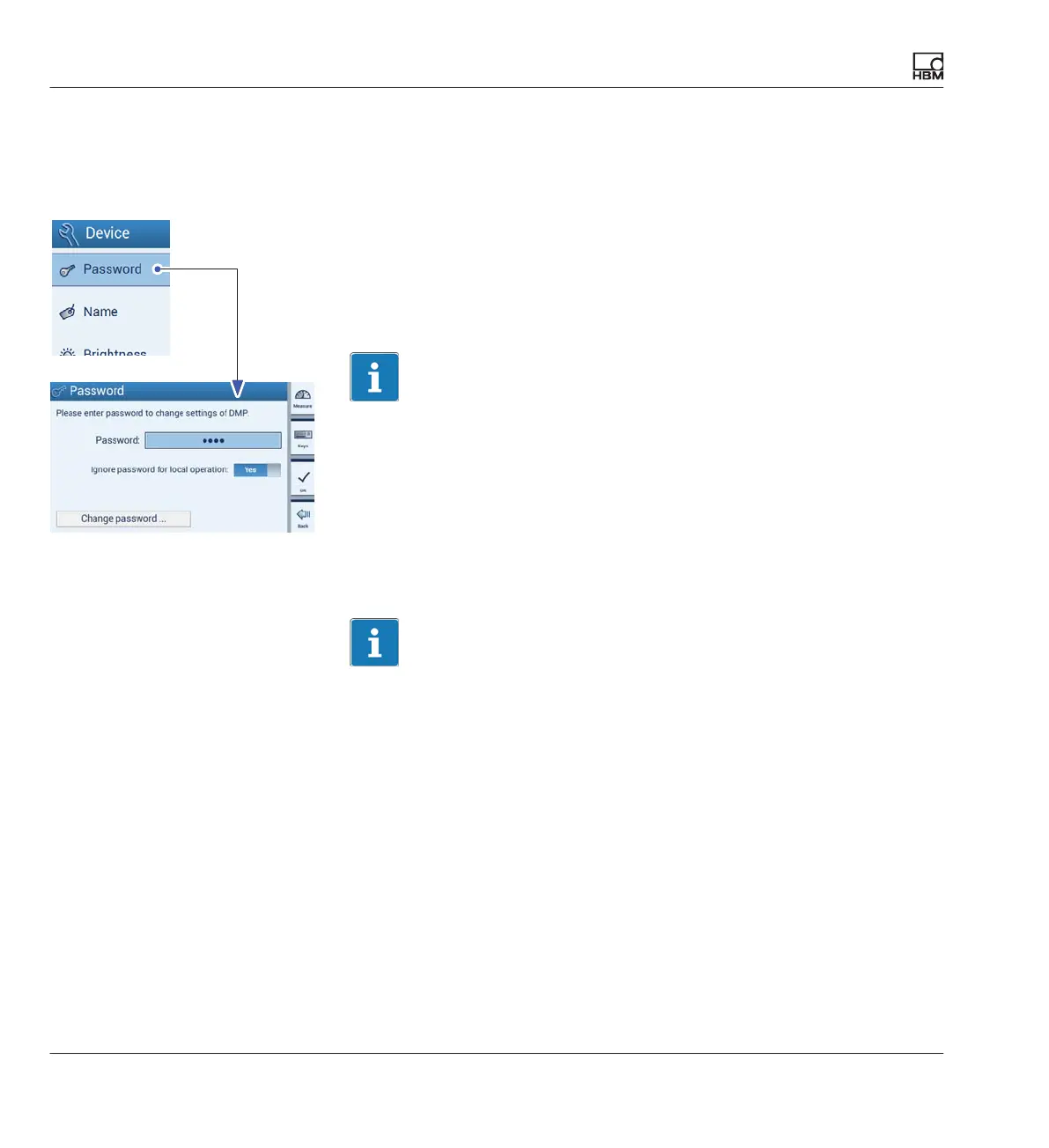
Password protection ON:
► Press Password.
► Enter the password.
► Under Ignore password, select: No.
► Press OK.
Important
Password protection only takes effect after the next restart.
Password protection OFF:
► Press Password.
► Enter the password.
► Under Ignore password, select: Yes.
Important
The password can be ignored when working on the DMP41. The password
must never be ignored when working with a PC!



 To Next Page