Configuration
Device configuration in setting mode
82 A03470_07_E00_00 HBM: public DMP41
7.3.1.3 Lost password
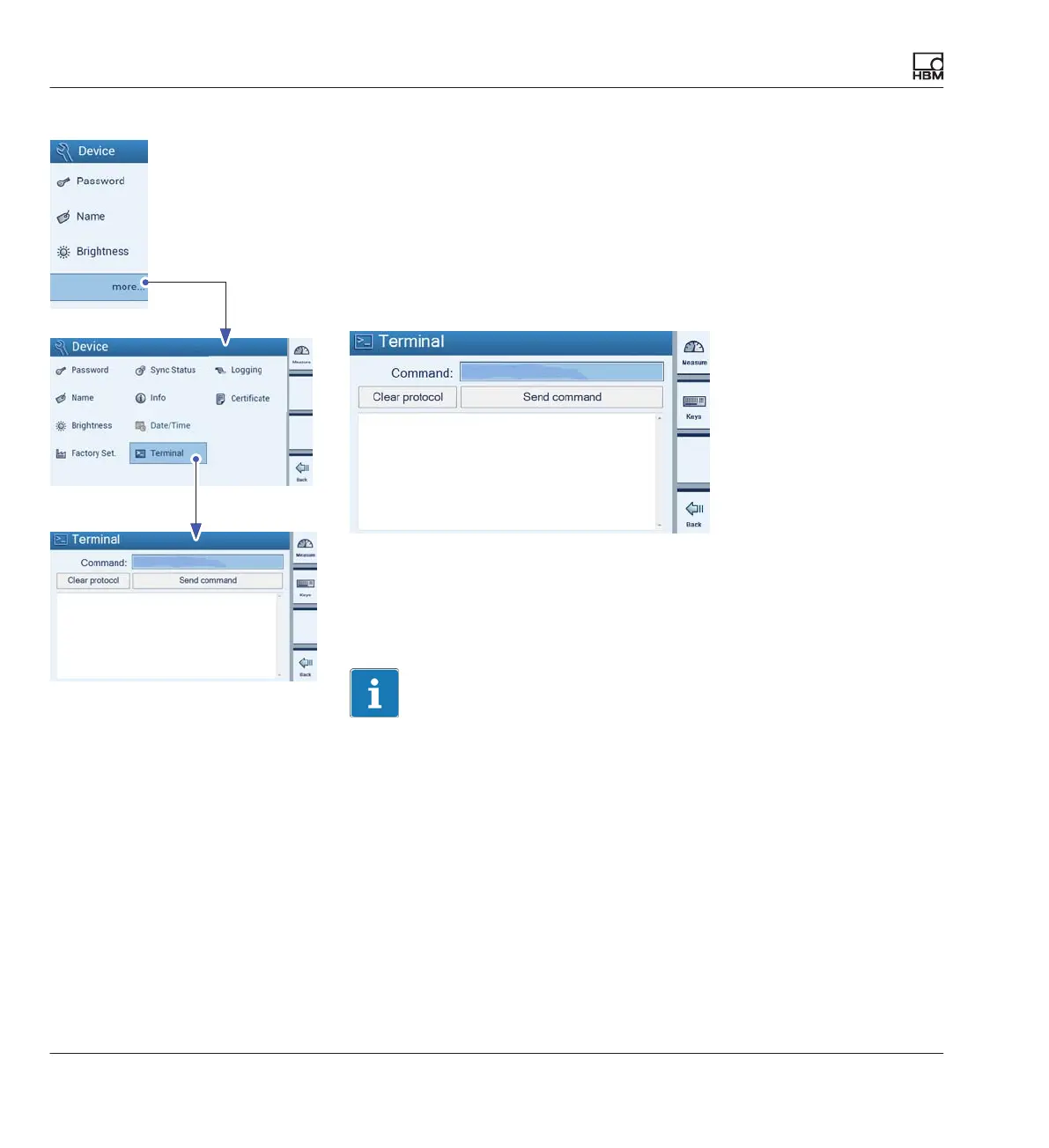
If the password is lost, you can reactivate it. Proceed as follows:
► Press more....
► Press Terminal.
► Under Command, enter the following command:
HBMDMP41ResetPassword.
HBMDMP41ResetPassword
HBMDMP41ResetPassword
0
The password is then reset to the default password "1234".
If you want to set a different password, proceed as described in
è Chap
ter 7.3.1.2 “Change password”, Page 81.
Important
The password can only be reactivated on the the DMP41 (not via PC).



 To Next Page