Configuration
Typical configuration example
98 A03470_07_E00_00 HBM: public DMP41
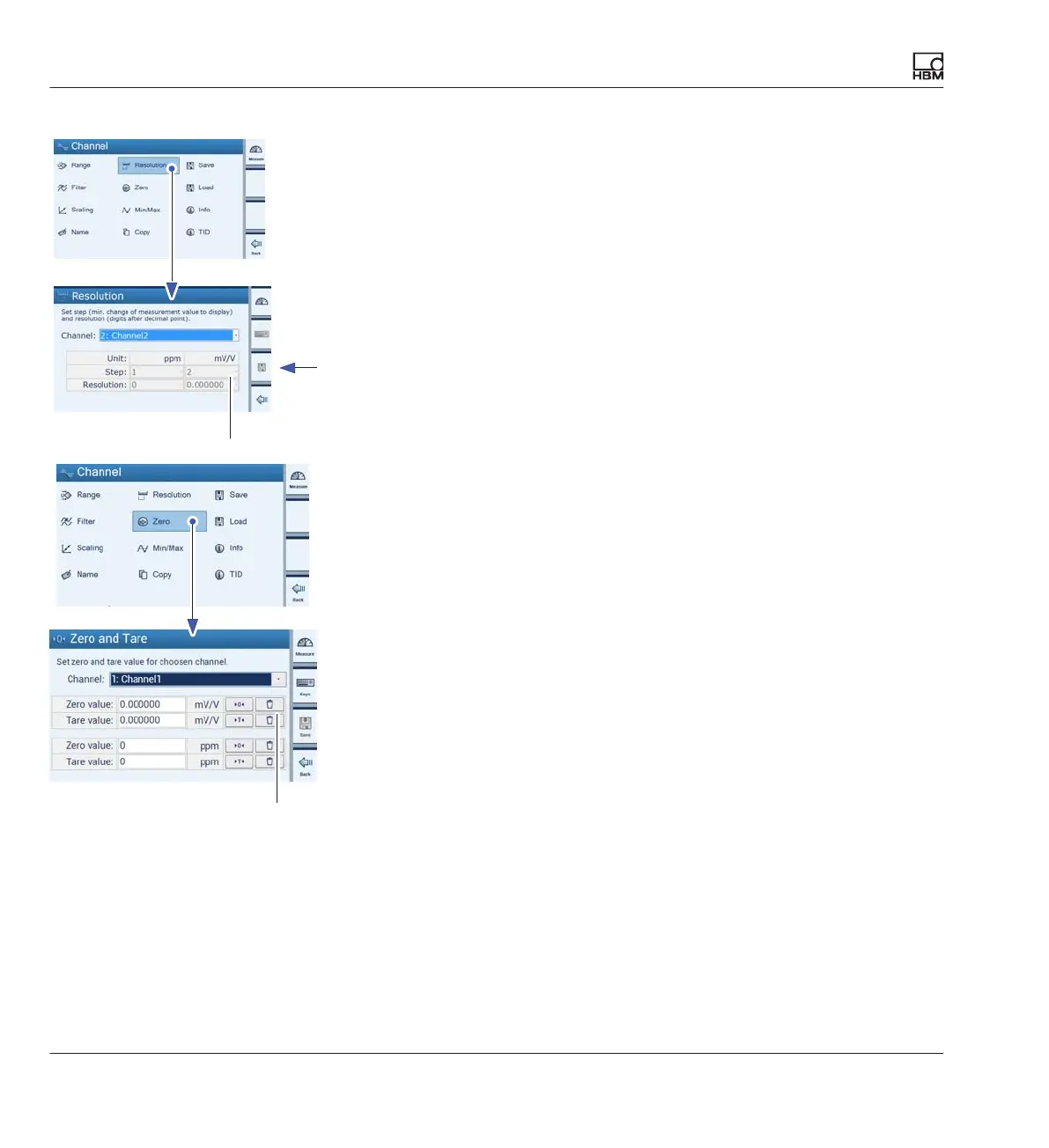
► Press Resolution and set the display formats (e.g. Resolution 0.000;
Step 1) (B).
► Press Save (diskette symbol).
► Press Zero.
► Delete Zero value and Tare value (E).
► Use shift key F1 to switch to measuring mode.
E
B



 To Next Page