Configuration
Typical configuration example
DMP41 A03470_07_E00_00 HBM: public 99
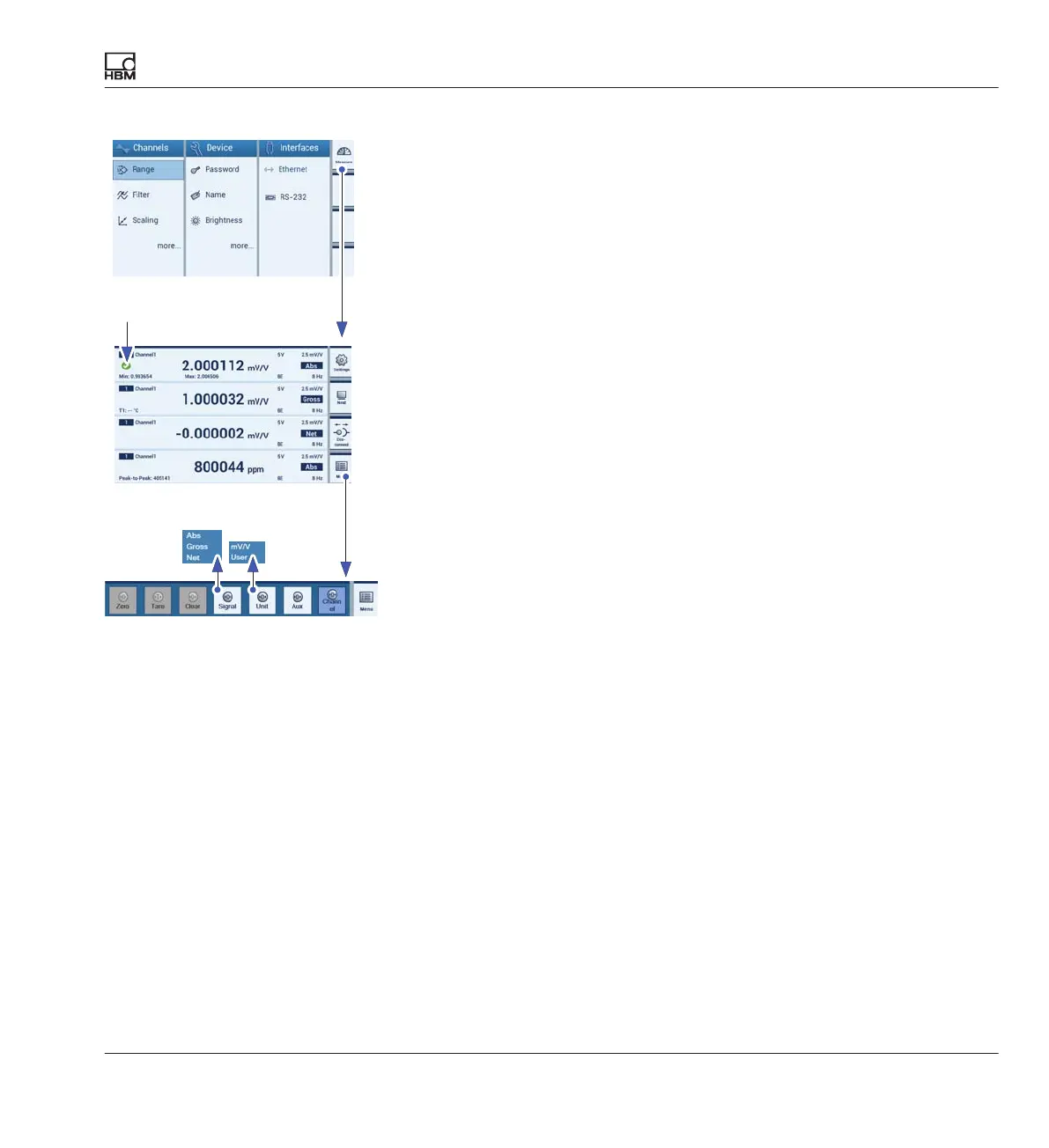
Display configuration
► Use shift key F1 to select measuring mode.
► Select the measured value display to be edited (set checkmark).
► Press Menu(F4).
► Press Signal and select the signal type Net (A).
► Press Unit and select the required unit (here: User = kg in the display) (B)
► Place the container on the scale.
► Press Tare to zero (C).
► Pour the bulk material into the container.
The weight of the bulk material is displayed.
Measuring mode
F1
F4
B
C
A



 To Next Page