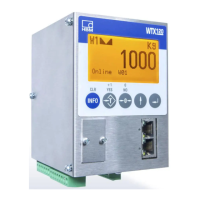
WE2111
A3983-1.0 en/de/fr 31
"
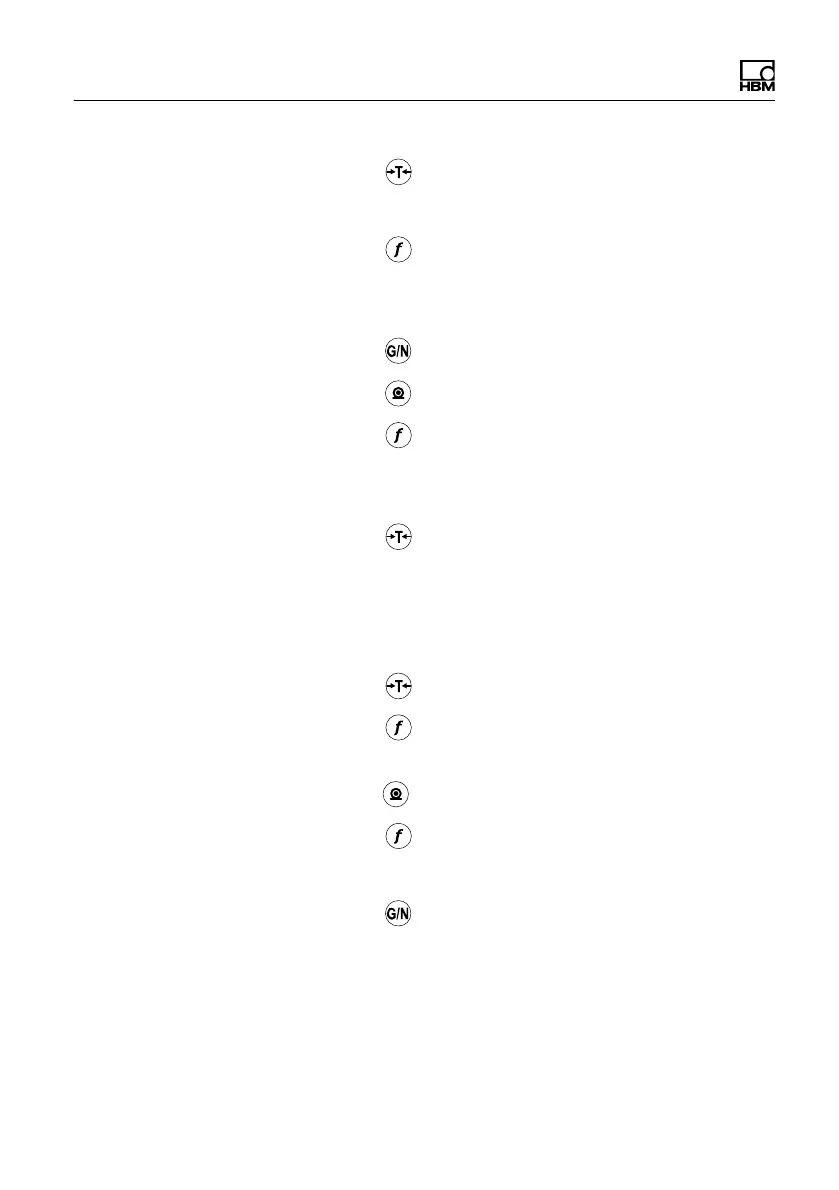
Press the button.
CAP1 is displayed (capacity range 1).
"
Press the button.
The factory setting displays 0030.00, in all other
cases, the last input figure is displayed.
"
Press the button until the 3 flashes.
"
Press the button until a 1 appears instead of the 3.
"
Press the button.
The maximum capacity of the scale is now 10.00.
CAP1 is displayed.
"
Press the button.
E1 is displayed (minimum verification interval range
1). The default setting for the minimum verification
interval is 1 and does not therefore need to be
changed in this example.
"
Press the button until UnitS is displayed.
"
Press the button.
"
If kg is not selected as the unit next to the display,
press the button until the unit is displayed.
"
Press the button.
UnitS is displayed.
"
Press the button for several seconds to save the
settings.
The following are displayed in sequence before the
actual measured value appears: SAviNG, firmware


 To Next Page