Adjusting the Optional Features
To adjust the optional settings, follow these steps.
• Press and hold the Power button to turn the thermostat OFF ..............................
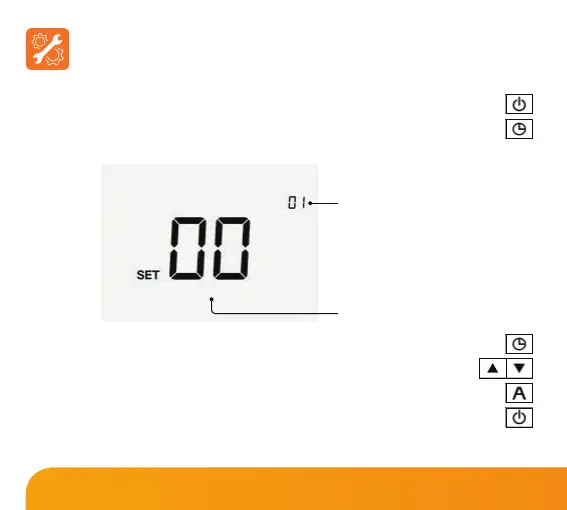
• Press and hold the Clock key until the display appears as shown below .........
• Use the Clock key to cycle through the features ........................................................
• Use the Up/Down keys to change the setting ...................................................
• Press A to conrm settings .................................................................................................
• Press the Power button once again to turn the thermostat back ON .................
Feature Number
Setting Value
23
Slimline Series













 To Next Page