Countdown Mode
• Use the Up/Down buttons to set the countdown duration .................................
• Press A to conrm settings .......................................................................................................
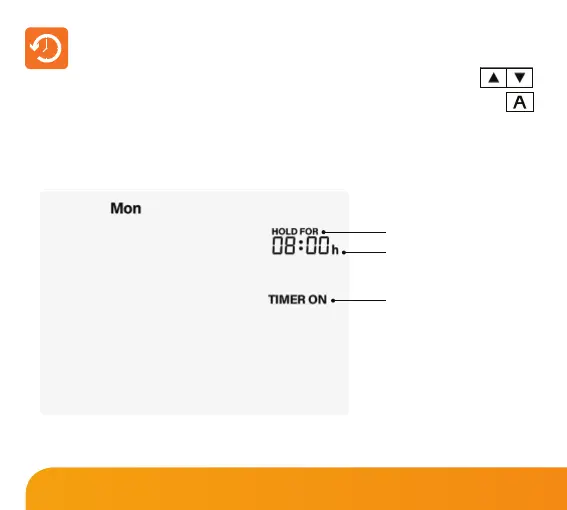
• Hold For will appear showing the time left.
When Hold For is displayed on screen, the output will be active.
Hold For Icon
Hold Time Remaining
Timer Status
To cancel a countdown period, reduce time to 00:00.
33
Slimline Series













 To Next Page