Mode Select/Factory Reset
Slimline can either be used as a thermostat or a time clock. Thermostat mode
is the default setting.
To change between thermostat & time clock modes, follow these steps.
• Hold down the ‘Power’ button to turn o the display ...............................................
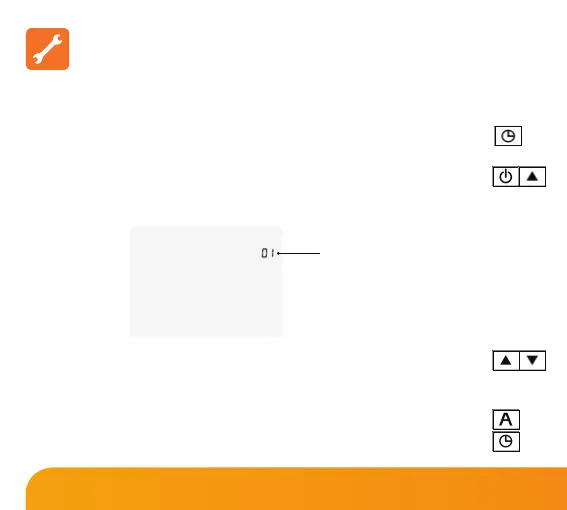
• Press and hold the Power and Up keys together until the LCD powers up.
All of the icons will be displayed on screen momentarily .......................................
The device will factory reset then provide 2 selectable mode options.
• Tap the Up/Down keys to select the desired mode ..................................................
Mode 01 = Programmable Thermostat
Mode 02 = Time Clock
• Press A to conrm settings ..................................................................................................
• Tap the ‘Power’ button to turn the display on ..............................................................
Mode Indication
7
Slimline Series













 To Next Page