23
80-23024 Issue 3r1 HEBER
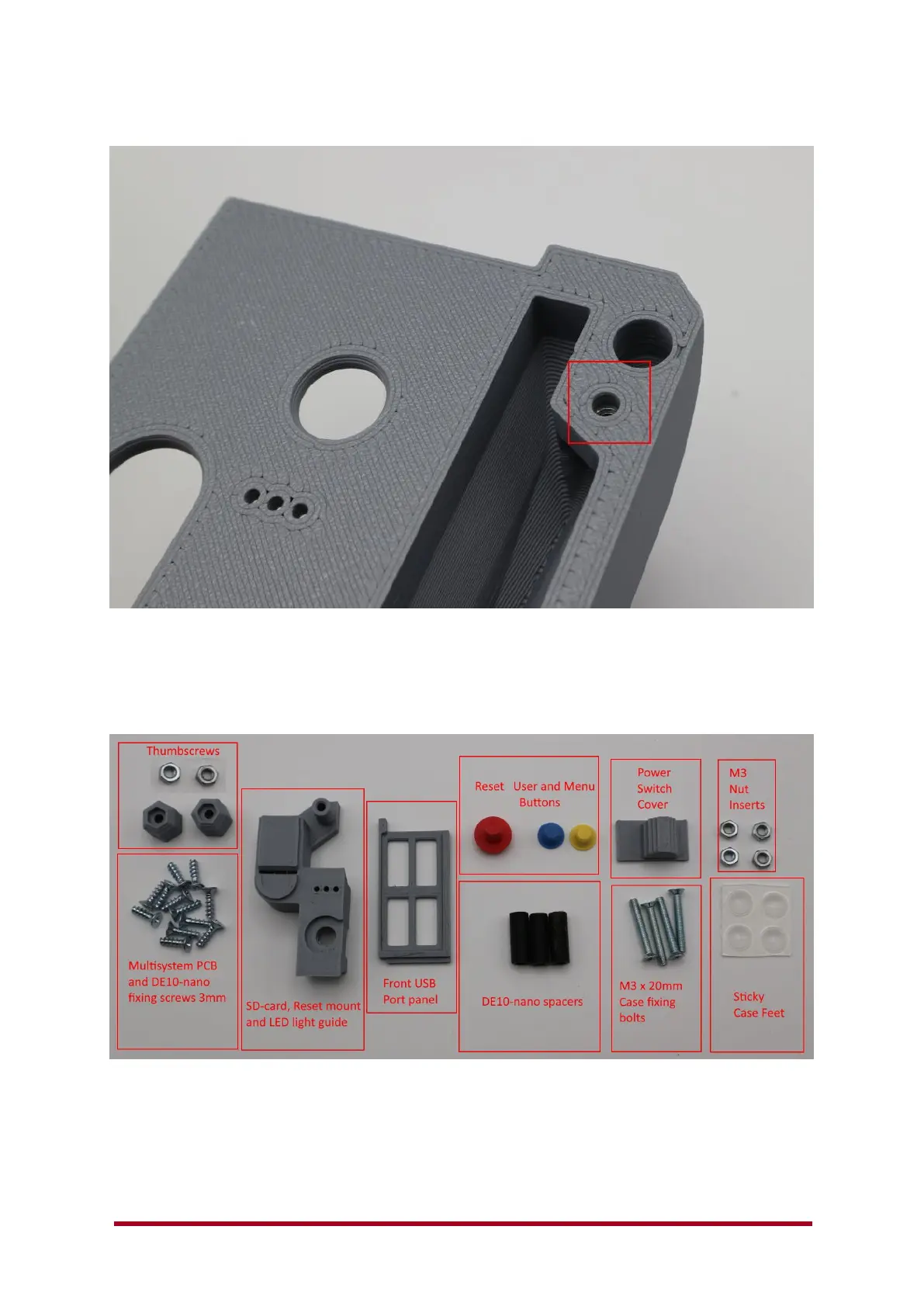
Unscrew the bolt and check the nut is flush up against the plastic inside the enclosure as shown
above.
Next grab your fixings kit and lay it out onto the table.
Above shows the parts in a standard fixings kit, if you bought your Multisystem enclosure from
RMCretro. You should already have used a few of these fixings in the steps above, all other parts
will be used for fitting the Multisystem motherboard into the 3D printed case.
Note: – Heatsink not shown, but should be fitted to your DE10-nano board.



 To Next Page