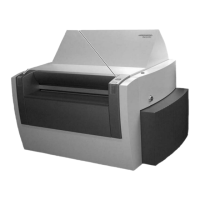
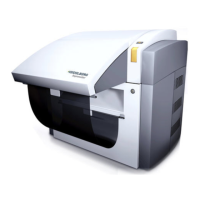
Preset Plus Feeder
confidential
C.1.75
Too high a vacuum at the suction tape results in
waves on the fed sheets and in pull errors.
Note
The bypass air flap must be open
when you adjust a vacuum of ≤ 25 %.
1. Reduce the suction air on the suction tape as
required.
Some book papers require a vacuum of 10 %
and less to be adjusted.
Prior to adjusting a vacuum of ≤ 25 %:
2. Switch off the feeder.
3. Open the bypass air flap on the suction tape.
On the CP2000 Center, press the
Bypass suc-
tion tape
button in the Sheet travel/feeder/
cover guide, air adjustments menu.
4. Switch the feeder back on.
Pull lay
1. In case of pull errors, increase the suction air
volume to approximately 60-80%.



 To Next Page