33
3.3. Other settings
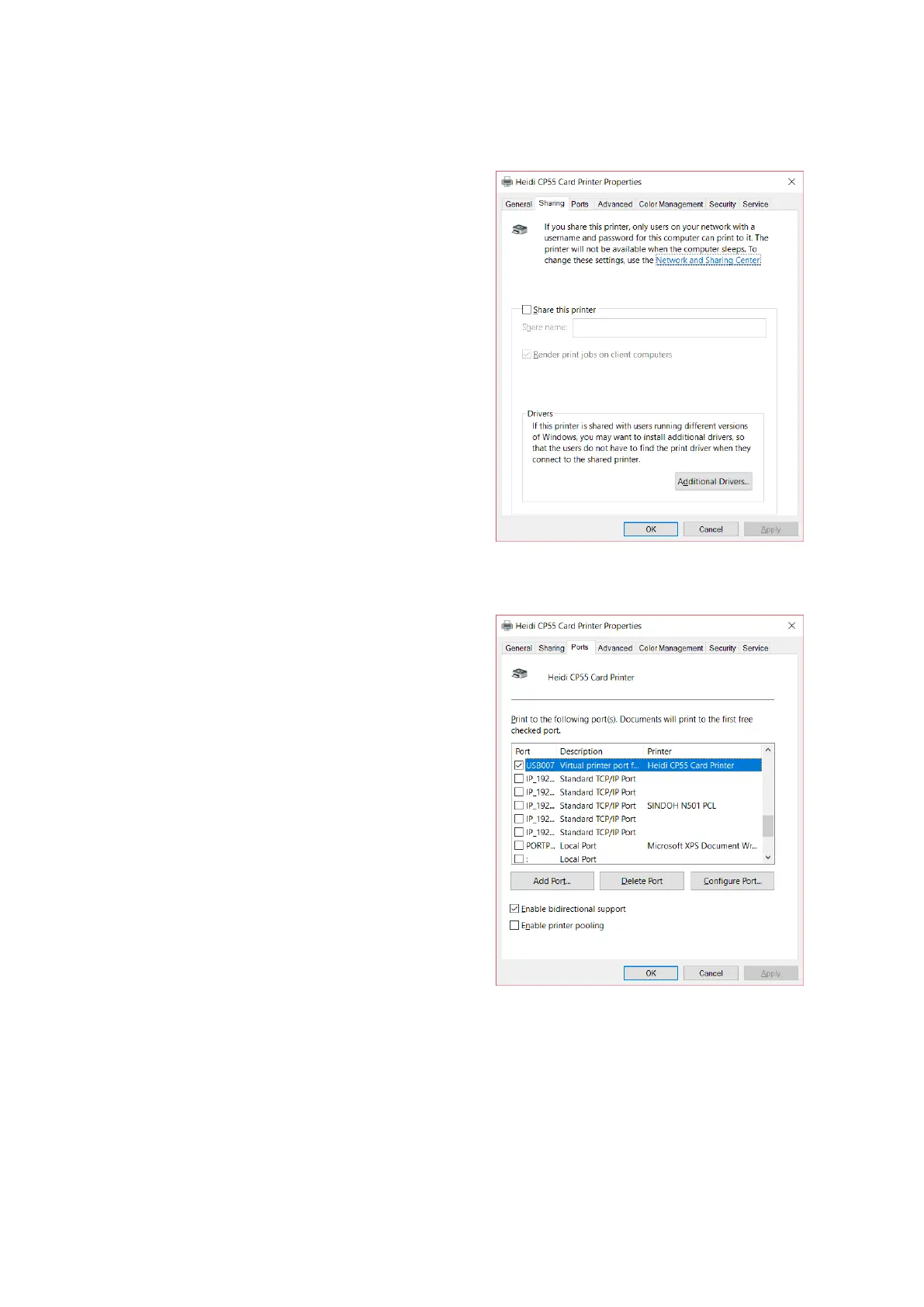
You can share a printer with Sharing tab
via Network.
Default is unchecked “Share this printer”.
Figure 47 Printer sharing
Port tab shows which port is connected
with CP55. CP55 has connection with USB
Virtual printer port as left picture because
CP55 uses USB connected to PC.
(Caution! This port is selected
automatically. It is recommended to
maintain default.)
Figure 48 Ports


 To Next Page