64
6.2. Cleaning the printer
To maintain the best condition of CP55 printer, you must clean the printer periodically. If
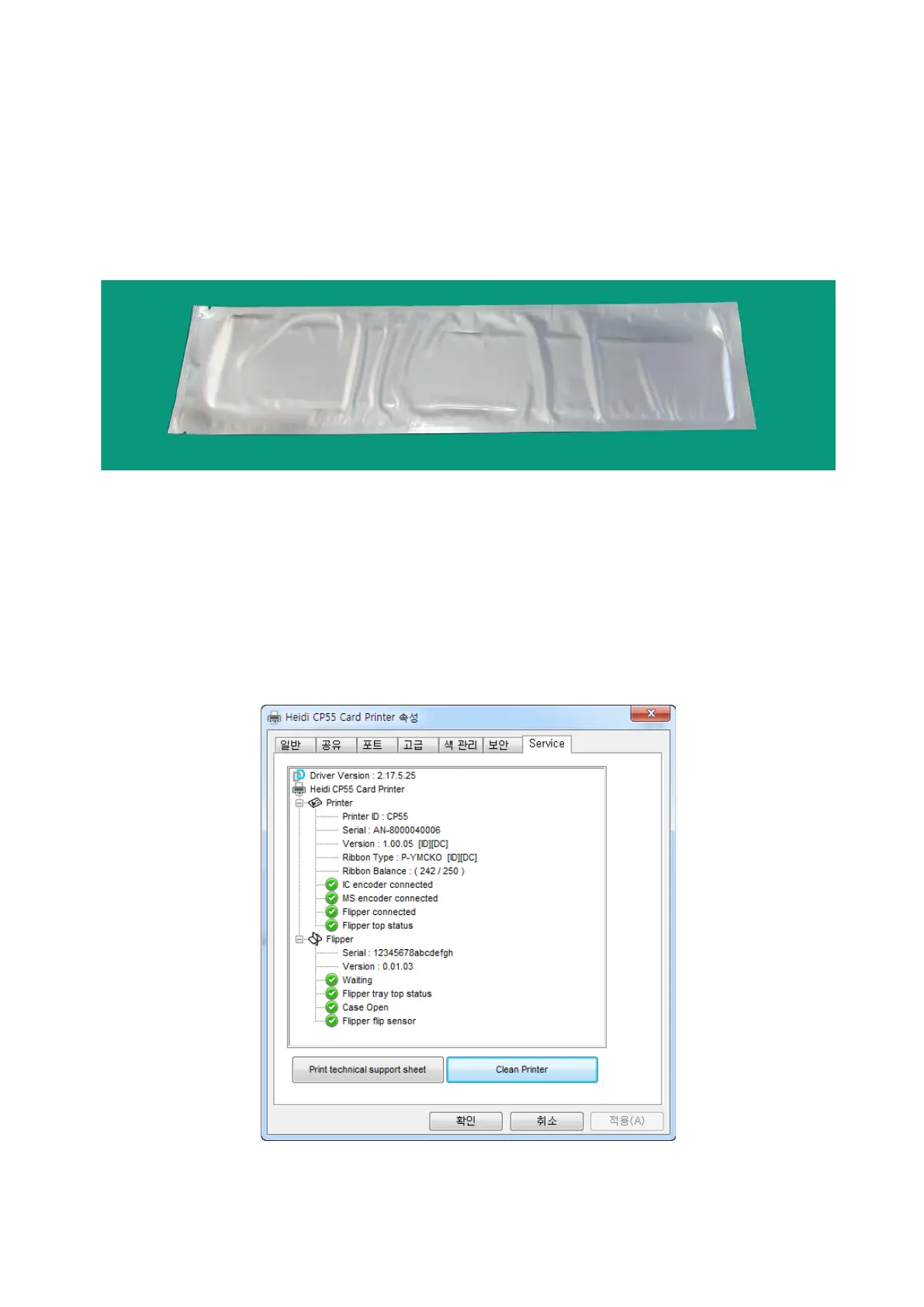
you use the exclusive cleaning card as the picture, you can clean the printer easily. For
purchase the exclusive cleaning card, ask to CP55 printer provider.
Figure 86 Exclusive cleaning card for CP55 printer
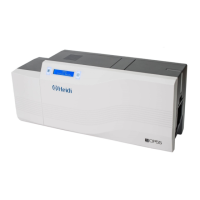
If the exclusive cleaning card is ready, click the “Clean Printer” in the service tab of CP55
printer driver. After click, Clean Printer program to clean the printer is run.
Or, You can set the
Cleaning Mode with LCD buttons by pushing both buttons for 5 seconds.
Figure 87 Printer cleaning start


 To Next Page