13
USER’S MANUAL /
6. GUIDE FOR INSTALLING S8 DSP SOFTWARE
6.1 PC WINDOWS
Inside the S8 DSP setup USB device, there are all the files necessary for the setup of the S8 DSP:
• Software S8 DSP (PC Windows)
• This User’s Manual (.pdf)
• Audio test tracks
2.
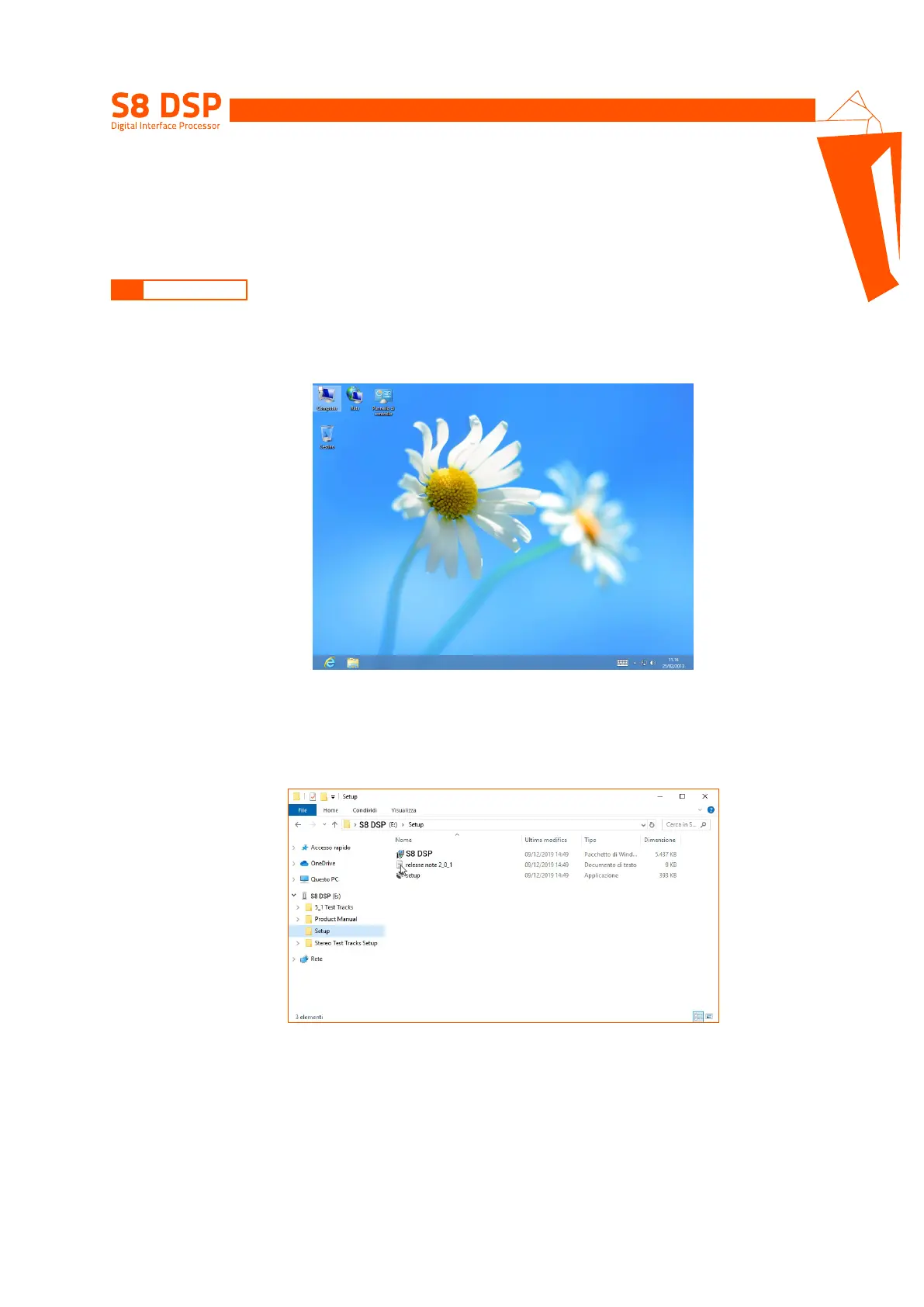
Windows 10/11: access Computer from the Windows menu.
3. Windows 10/11: select the “S8 DSP setup” USB device and double click on the icon S8 DSP V.X_X_X.
Windows 10/11
Remark: to remove any restrictions on Windows 10/11, operating system, right-click on the setup icon and select the option
“Run as Administrator”. Then select Yes to continue with the installation from the next window “User Account Control”.
6.1.1 INSTALLATION SOFTWARE
1. Insert the “S8 DSP setup” USB setup device in the specific drive on the PC you wish to use.
6
Windows 10/11


 To Next Page