17
USER’S MANUAL /
6.3 S8 DSP APP INSTALLATION ON MOBILE DEVICES
2. Scan the QR code printed on the giftbox to access the download
web page:
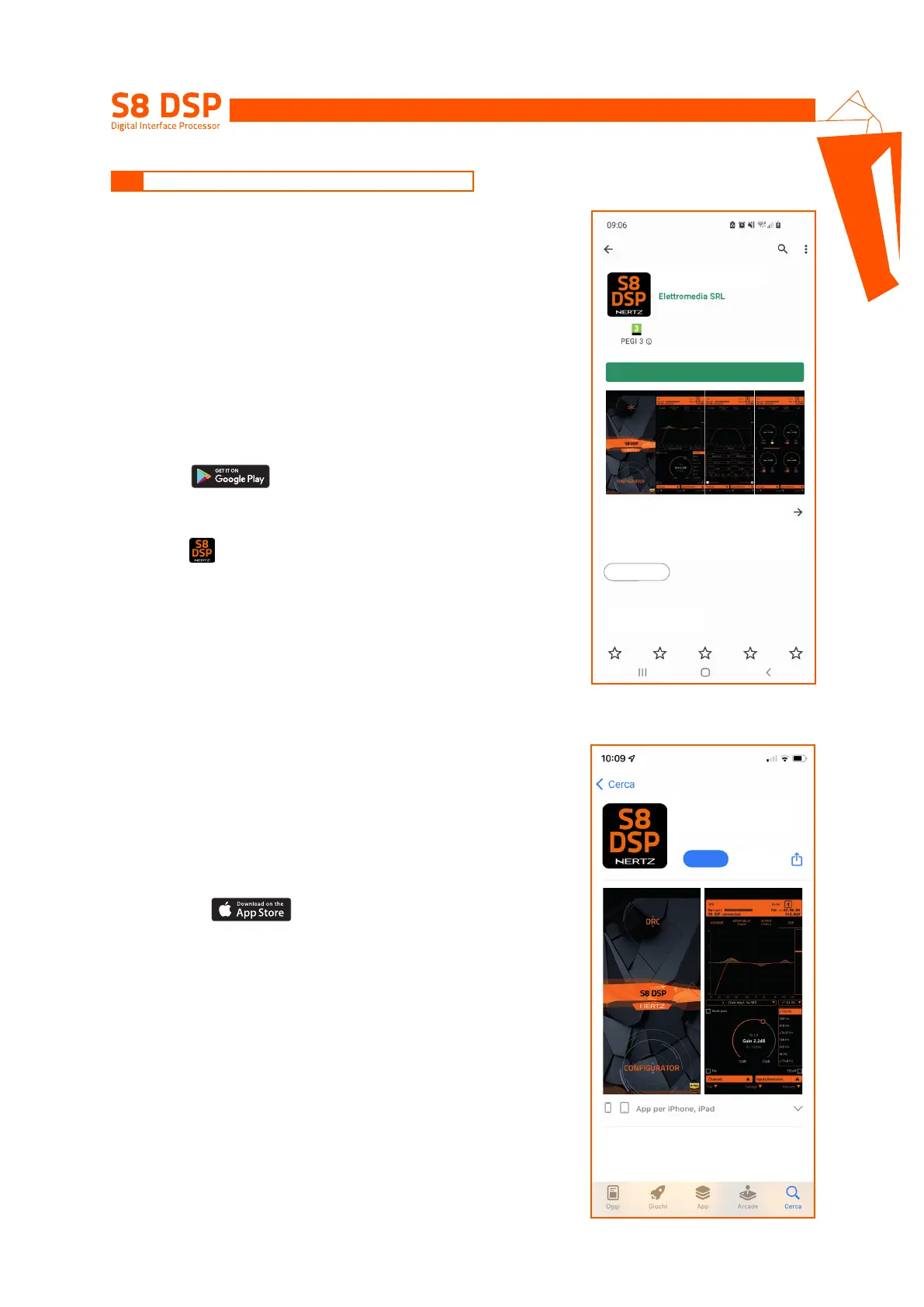
Installation from Gloogle Play Store
• Select to access the Google Play Store page
where the S8 DSP Mobile app is listed, then press “Install”.
• Installation from Hertz website.
Select ,to access the product
page, download the latest version of the S8 DSP Mobile app
available, at the end of the download press “Install”.
2. Scan the QR code printed on the giftbox to access the download web
page, select to access Apple App Store page where the app
S8 DSP Mobile is listed ,then select “Get” and “Install”
6.3.1 ANDROID
1. Search for S8 DSP Mobile on Google Play Store then select “install”.
6.3.2 APPLE iOS
1. Search for S8 DSP Mobile on the Apple App Store then
select “Get” and “Install”.
The S8 DSP Mobile App allows the user to
manage the S8 DSP signal interface processor
from smartphone /tablet.
The S8 DSP Mobile App allows the user to manage
the S8 DSP signal interface processor from
smartphone/tablet.
App info
Evaluate this App
Let others know your opinion.
Tools
Install
6
GET
S8 DSP Mobile
Elettromedia SRL
S8 DSP Mobile


 To Next Page