31
USER’S MANUAL /
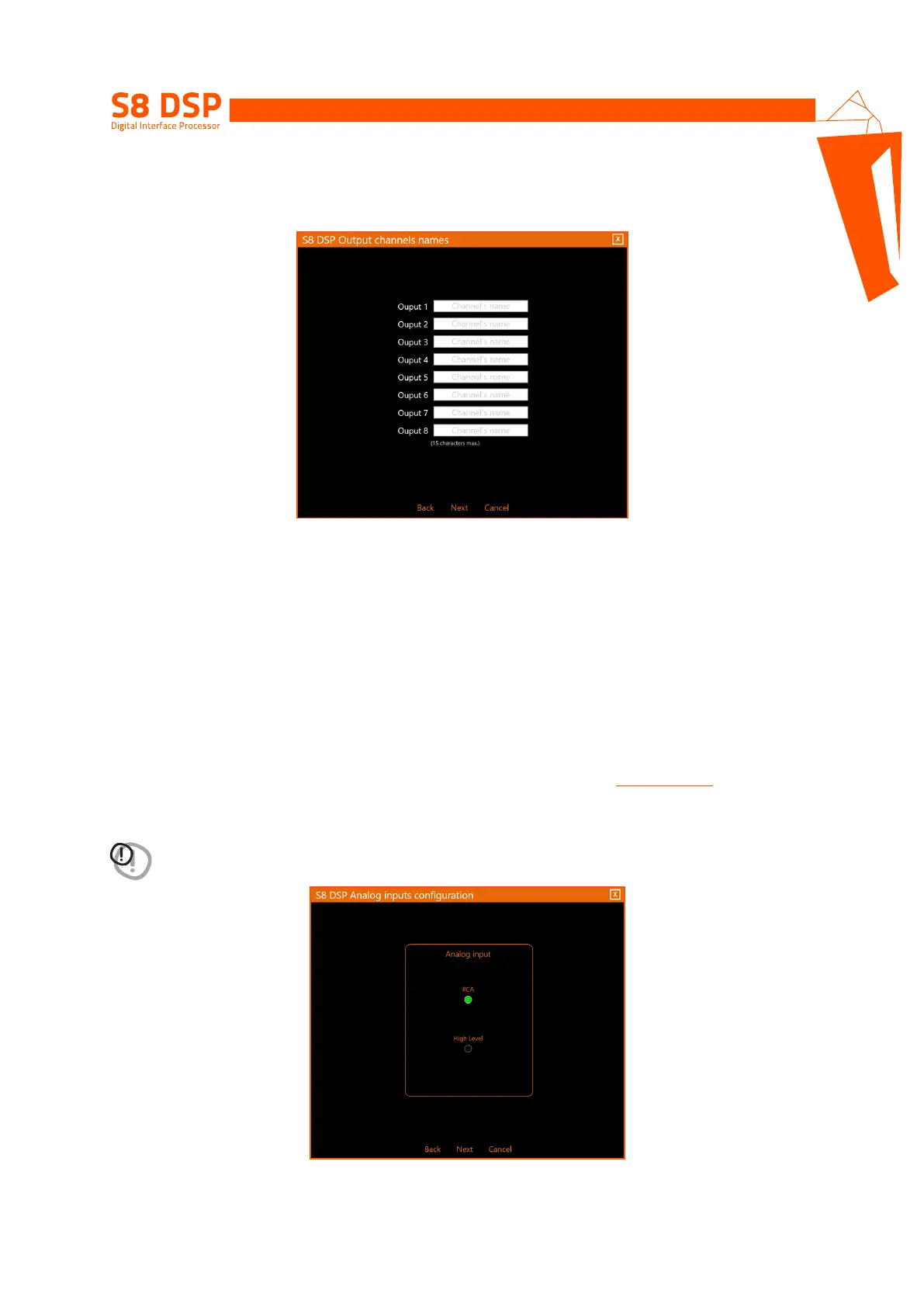
- Output channels names
In Free Placement mode it is possible to rename each output channel with a maximum of 15 characters, so as
to facilitate their recognition while using the software.
- press Next to continue with the configuration.
- press Back to go back to the previous window.
- press Cancel to cancel the operation.
7.5.4. ANALOG INPUTS CONFIGURATIONS
It is possible to select the type of analog input used: RCA (PRE IN) or High Level (SPEAKER IN)
This selection will set the sensitivity scale displayed in the Sensitivity window
(see section 7.5.6- 8.2.2)
- RCA the sensitivity scale will be set with values from 0.8 to 6 Vrms
- Hi level the sensitivity scale will be set with values from 2.5 to 21Vrms
WARNING: the selection of the type of RCA/Hi Level input will affect the type of sensitivity scale displayed in the
software, so it is important to make sure that there is a correspondence with the input used.
- press Next to continue with the configuration.
- press Back to go back to the previous window.
- press Cancel to cancel the operation.
7


 To Next Page