59
USER’S MANUAL /
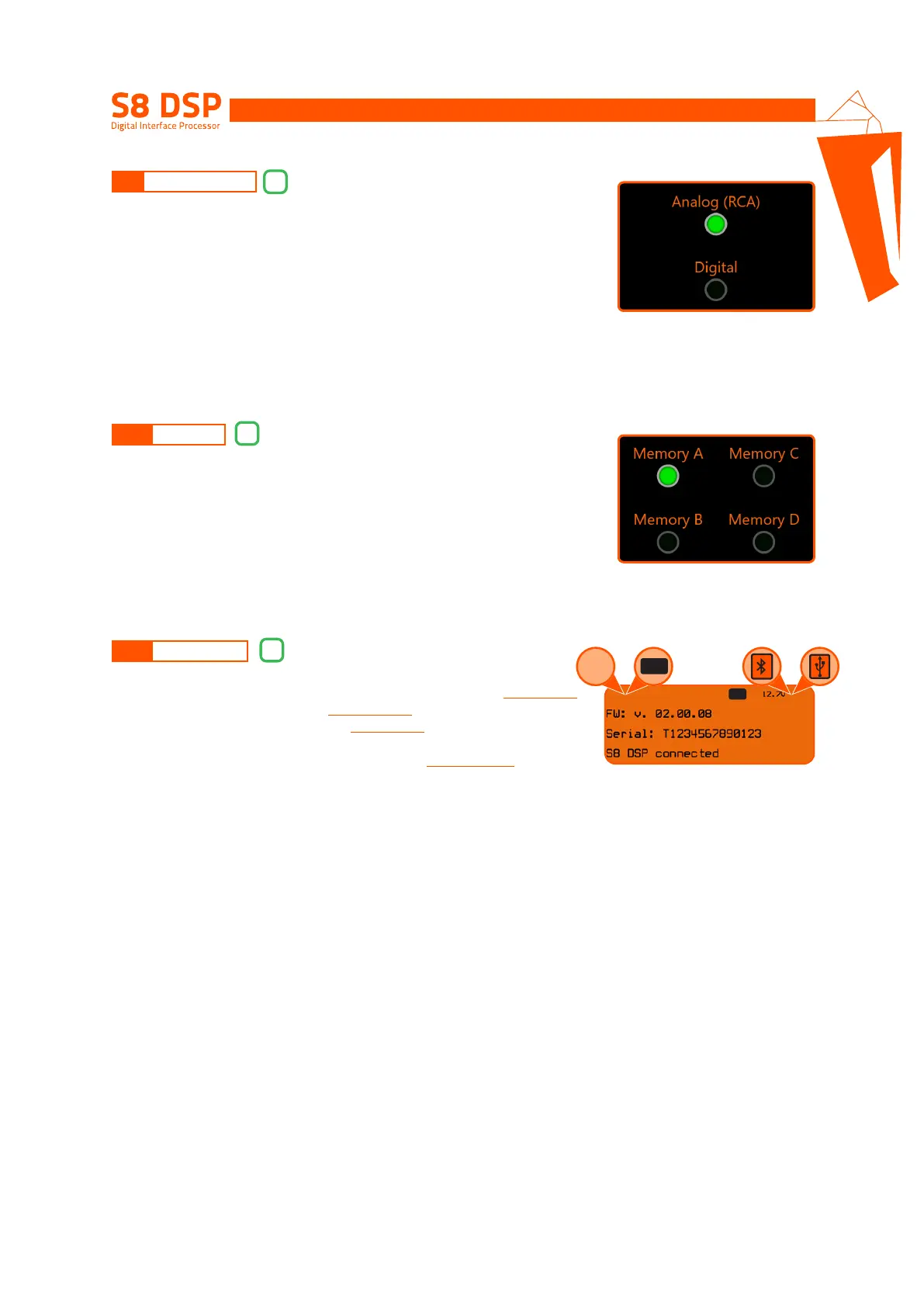
The window will show and give the possibility to select the active input
source when connecting with the PC/MAC.
The S8 DSP manages the system configuration by working by default on memory
A, but provides the ability to save and recall four memories (A, B, C, D).
This window shows:
● if you are using the software in STANDARD or EXPERT mode
(see section. 8.2.9)
● if the ART function is activated
(see section. 8.2.7.2.)
● if the LIMITER function is activated
(see section. 8.2.6)
● the battery voltage
● the connection mode to the PC/MAC: USB or BT
(see section. 7.2 - 7.3)
● the device Firmware version
● the device Serial Number
● if S8 DSP is connected to the PC/MAC
● the Input clipping indicator (CLIP)
8.9 SELECT INPUT
8.10 MEMORY
8.11 DEVICE INFO
9
10
11
8
ART LIM
oror
STD EXP
CLIP


 To Next Page