62
USER’S MANUAL /
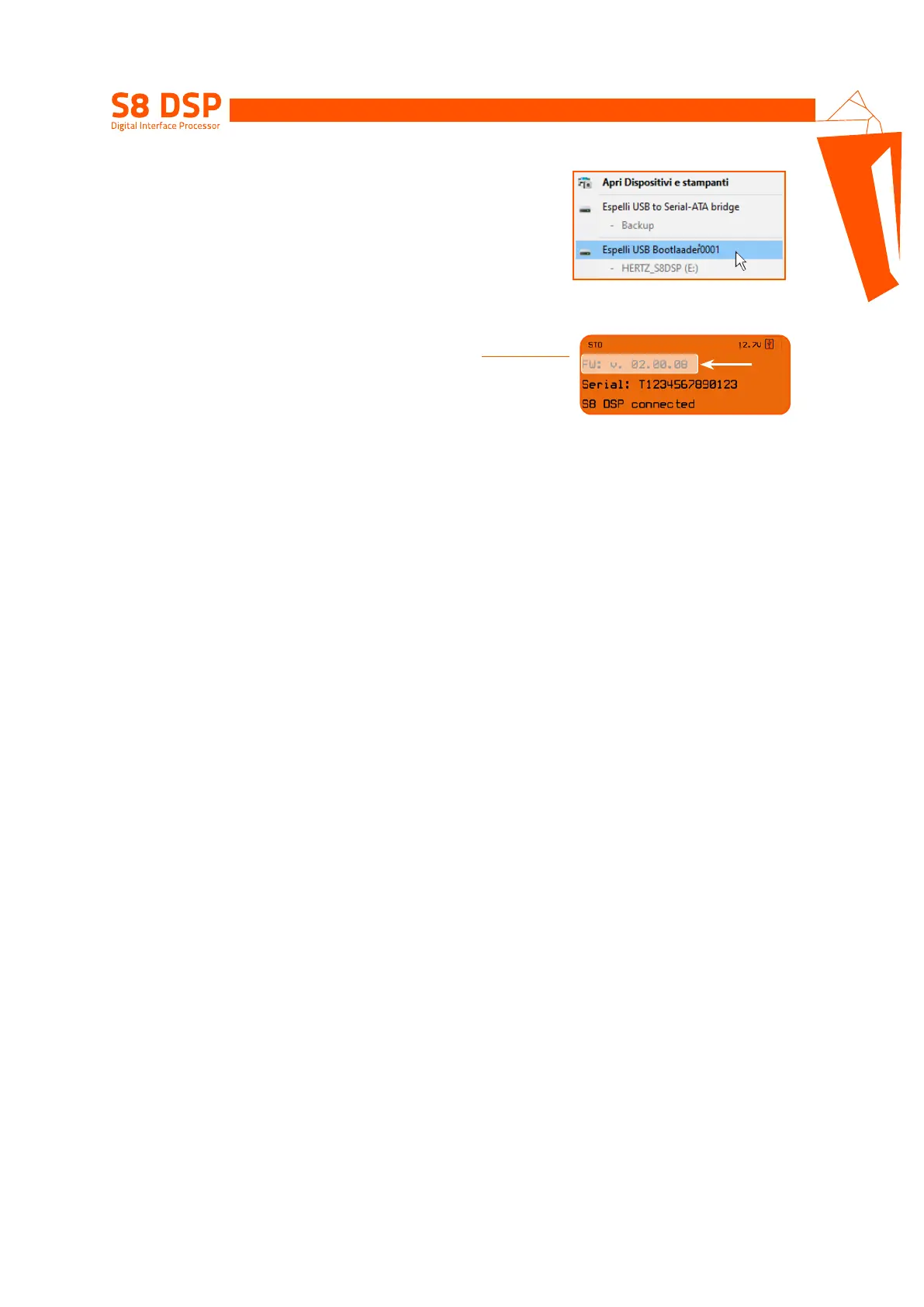
- close the window, perform a “safe removal of hardware and eject
media” to eject the USB device “HERTZS8DSP (X :)”;
- disconnect the USB from the processor
7. Turn S8 DSP on
- Start the PC/MAC software and connect the processor
(see section.7.2 - .7.3)
- Check that the firmware version (FW: v. Xx.xx.xx) on the “Device Info”
window corresponds to the one previously downloaded and copied
into the processor (“Hertz_S8_DSP_xx_xx_xx.dsp”).
9
ART LIM


 To Next Page