44 - 48
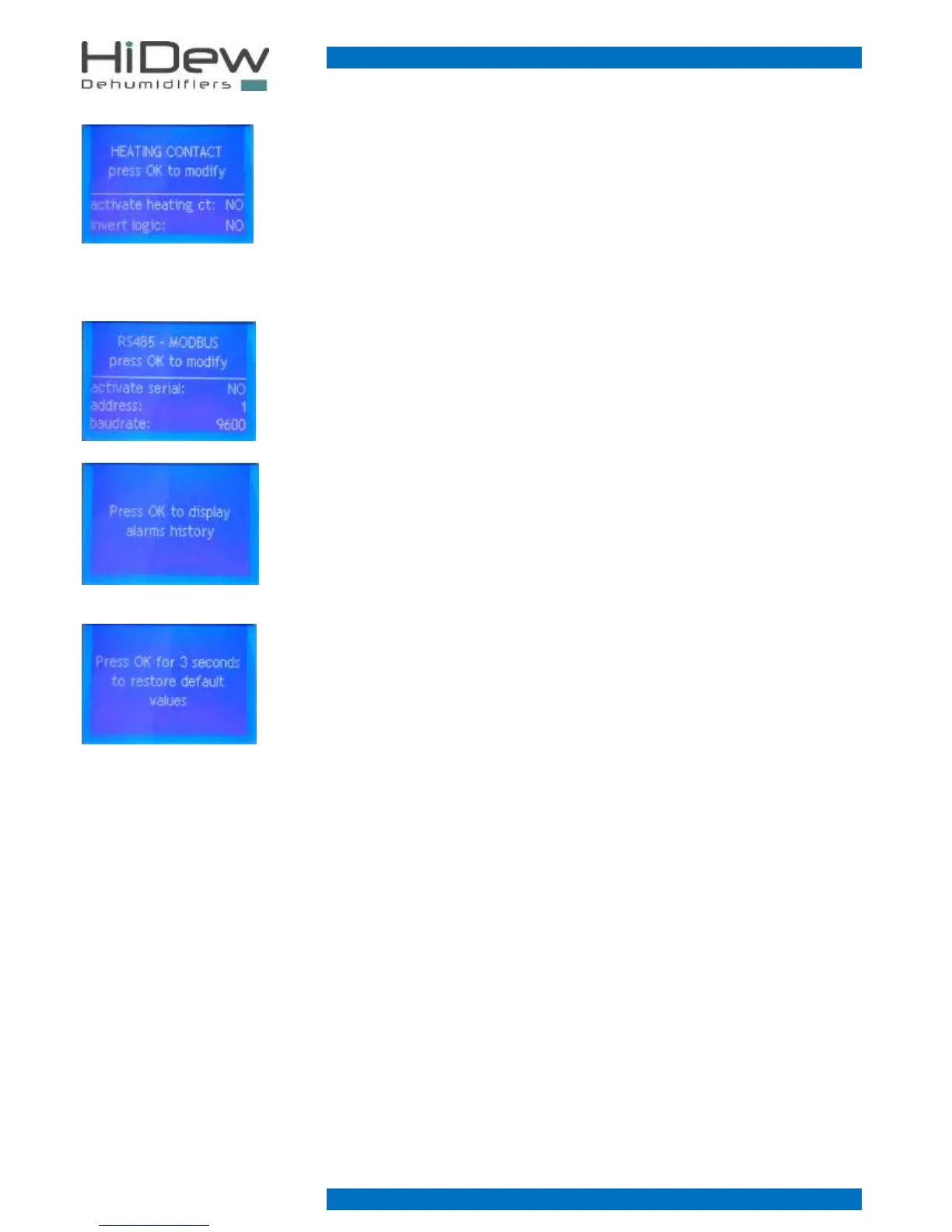
On the left you see the screen 7 of the installer menu, which allows o activate the contact for the
on/off of the heating and, if necessary, to invert the functioning logic
This screen is present only if the modbus communication is not active and if the option hot water
coil with valve or the option electrical heater has been bought.
Without inverting the logic:
- contact open request for heating non-active
- contact closed request for heating active
On the left the screen 8 of the installer menu, which allows to activate and to modify the
parameters connected with the modbus communication.
This screen is present only if the option modbus communication has been bought.
On the left the screen 9 of the installer menu, which allows to access to the alarm history and to
display all the memorized alarms.
On the left you see the screen 10 of the installer menu, which allows to restore all the default
values of installer menu and user menu.
During the modification of the parameters it may occur that some errors are made; in this case
there is the possibility to restore the default values.



 To Next Page