17
Note: The driver revision shown in the screenshots may not correspond with current
software releases. Please make sure to download the latest driver updates from the
product’s Software Updates page.
6. Uninstalling the Device Driver
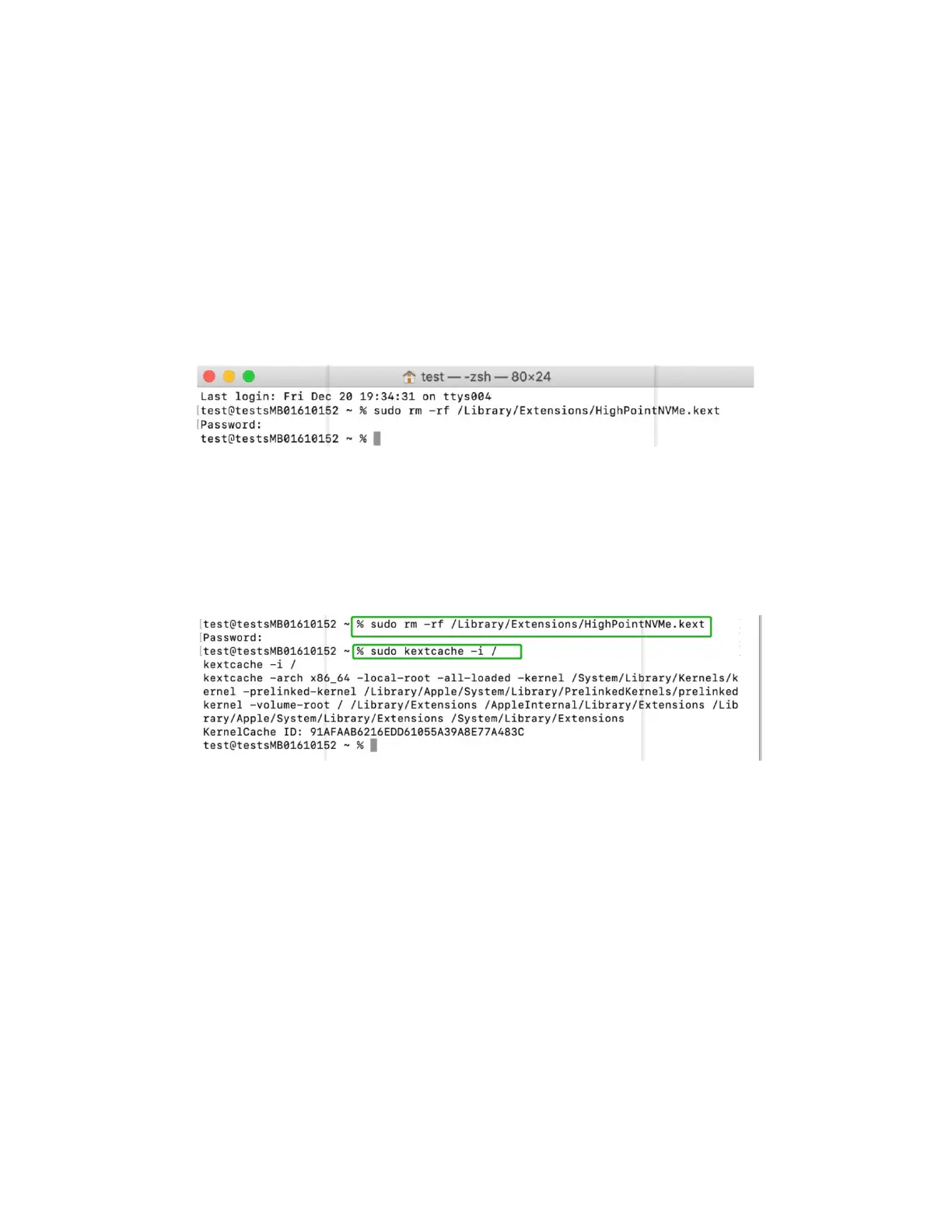
Uninstalling the Device driver for macOS 10.13 and 10.14
To uninstall the NVMe driver, you will need to open a Terminal window and enter the following
command:
sudo rm -rf /Library/Extensions/HighPointNVMe.kext
Uninstalling the Device Driver for macOS 10.15 and 11.x and 12.x
To uninstall the NVMe driver, you will need to open a Terminal window and enter the following
command:
sudo rm -rf /Library/Extensions/HighPointNVMe.kext
sudo kextcache –i /















 To Next Page