22
Appendix
When submitting s support ticket via our Online Support Portal, the following information will
help our Support Department diagnose and resolve your issue as quickly and efficiently as
possible.
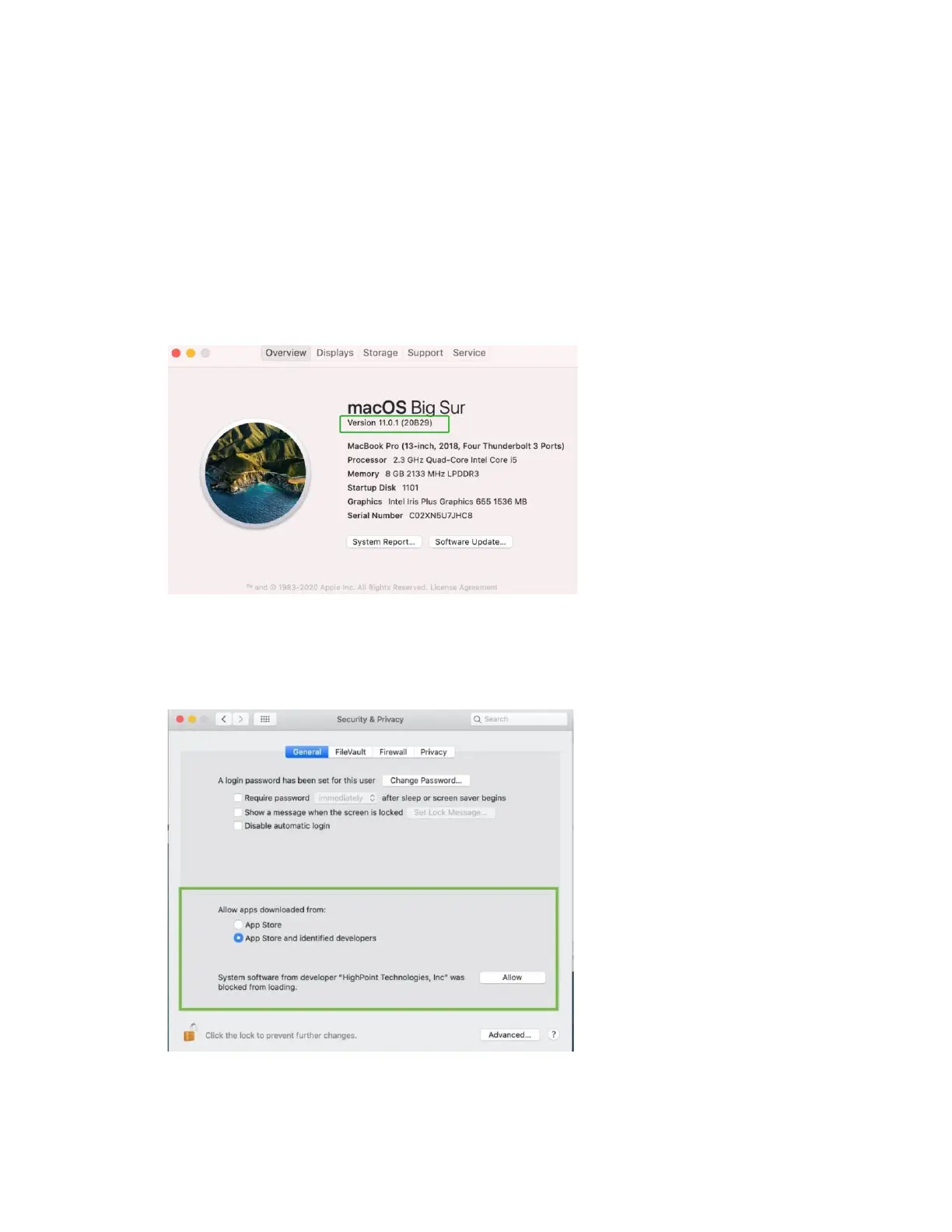
Checking the macOS version
1) Click on the Apple logo located near the upper left-hand portion of the Desktop, and click
“Version”. Then the version number of the system will all be displayed.
Check the security & privacy
1) Check if there is HighPoint software blocked in the permission, if it is blocked, you need to click
“Allow”.















 To Next Page