27
How to Collect Diagnostic Logs
We have provided a detailed video on log collection methods: link
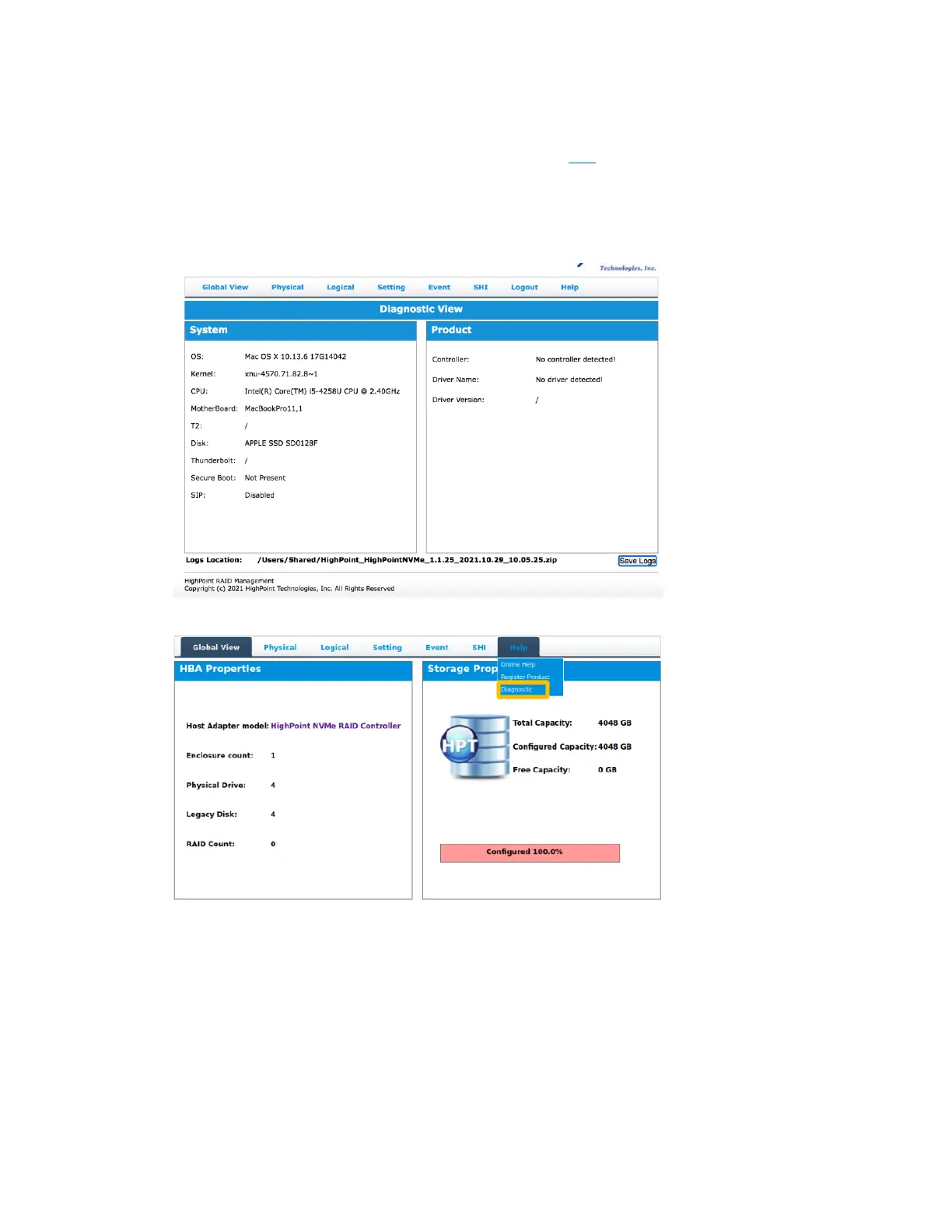
1) 1-Click Self-Diagnostic Solution: Diagnostic View provides a “1-click” information
collection system for troubleshooting. It will gather all necessary hardware, software and
storage configuration data and compile it into a single file, which can be transmitted directly
to our FAE Team via our Online Support Portal.
2) You can also click 'Help'→'Diagnostic' to enter the diagnostic view.















 To Next Page