28
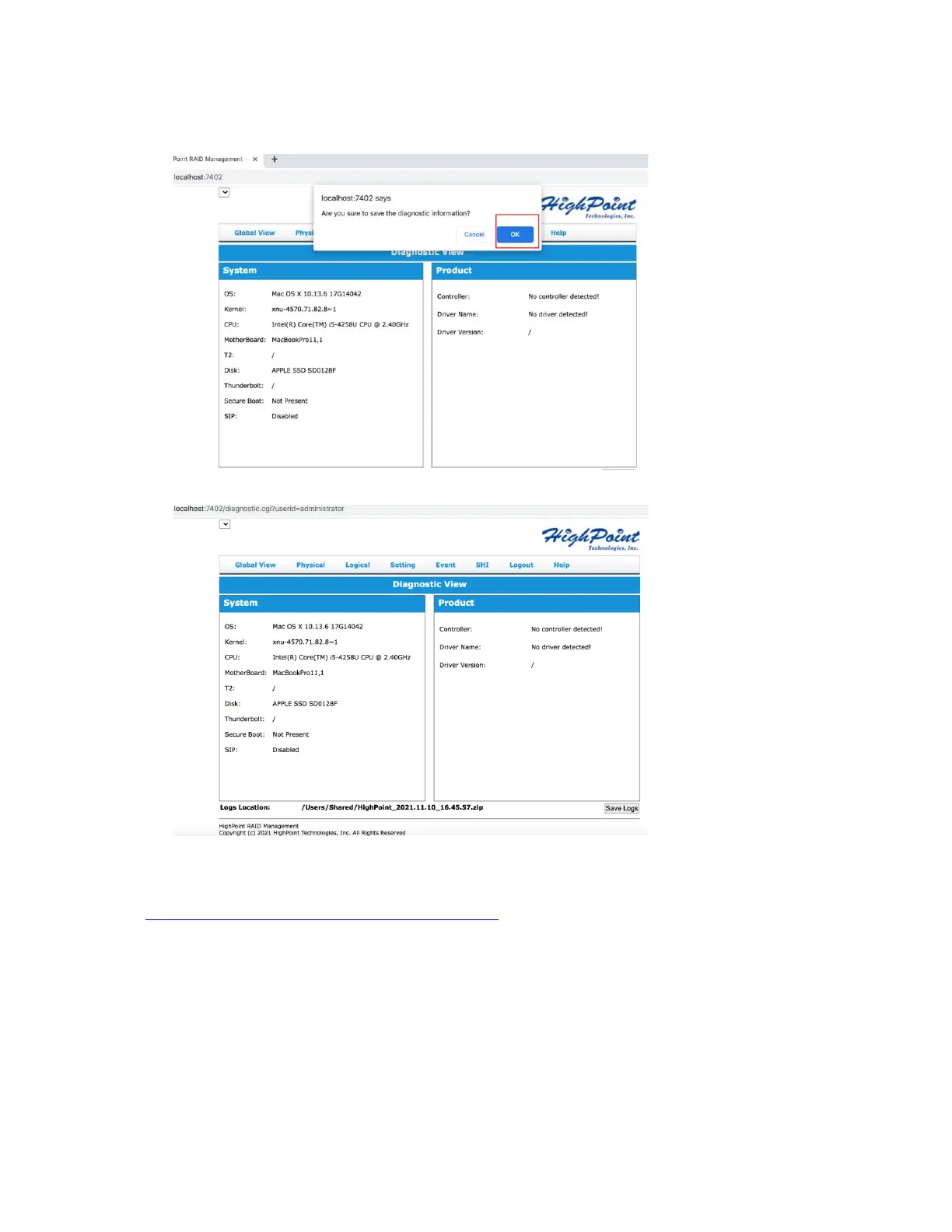
3) Click the “Save Logs” button to create the diagnostic file. Note, this process may take
several minutes to complete.
4) 'Logs Location' will display the location of the saving path.
Please submit the log file to our Support Department using our online services:
(https://www.highpoint-tech.com/support-and-services).















 To Previous Page