20
10. Trouble shooting
Unable to connect to the WebGUI
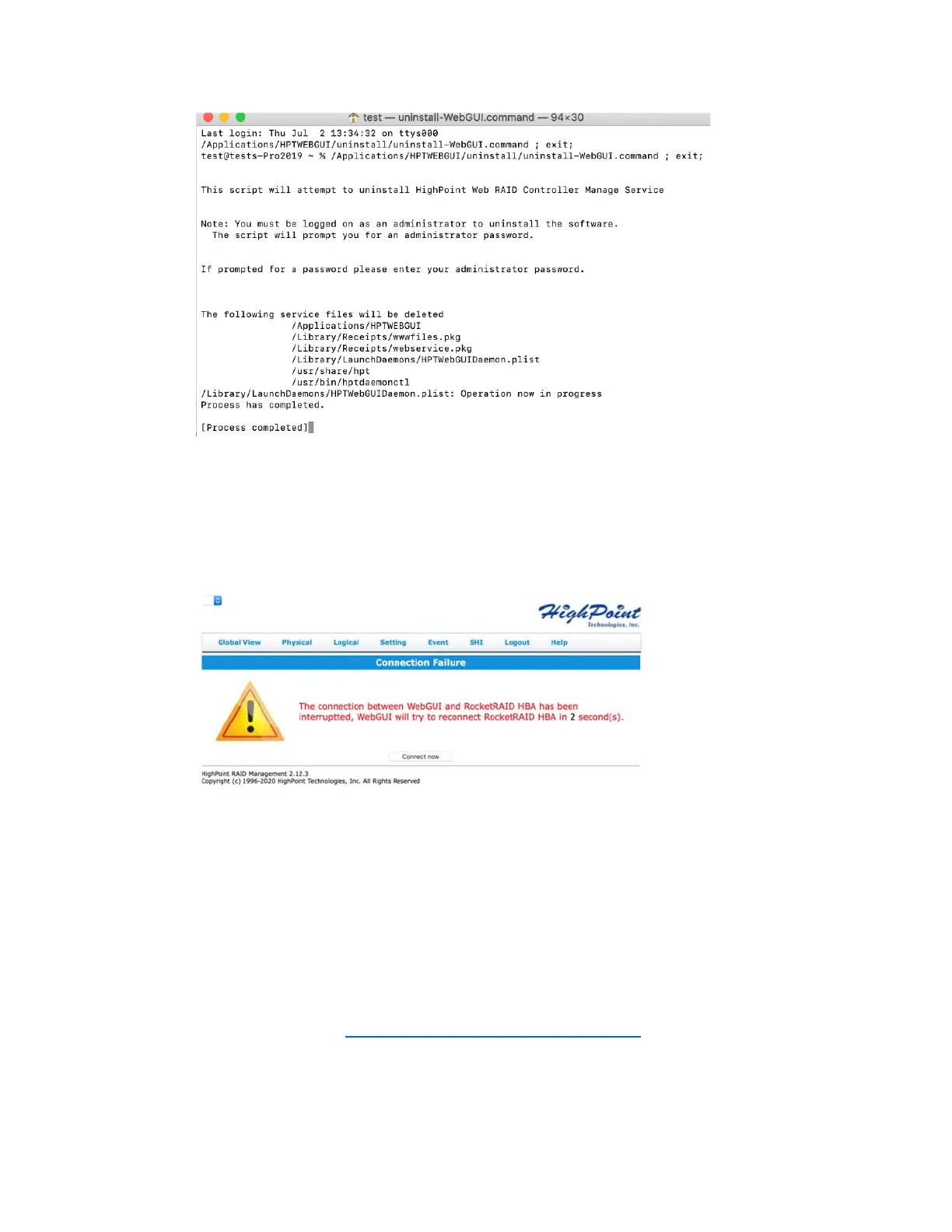
After the driver and management software are installed, the management software displays a
"Connection Failure" warning when attempting to start the interface:
This error can be triggered by one of the following issues:
01. The HighPoint NVMe hardware is not recognized by macOS
02. The HighPoint NVMe device driver is not installed or is not loading properly.
03. WEBGUI service is not running.
04. The system’s SIP status is incorrect.
05. If you are using a T2 system; Secure Boot may not be disabled.
06. If you are using Apple M1 system, Security Policy may not be ‘Reduced’.
01. Verifying the HighPoint NVMe hardware
Please refer to the Appendix – Verifying Product Installation to make sure the
HighPoint NVMe device is properly recognized by macOS.
Note: If you are using the RocketStor 6661A-NVMe:















 To Next Page