User Manual of DS-9600/8600/7700/7600 Series NVR
130
7.3 Managing Backup Devices
Management of USB flash drives, USB HDDs and eSATA HDDs.
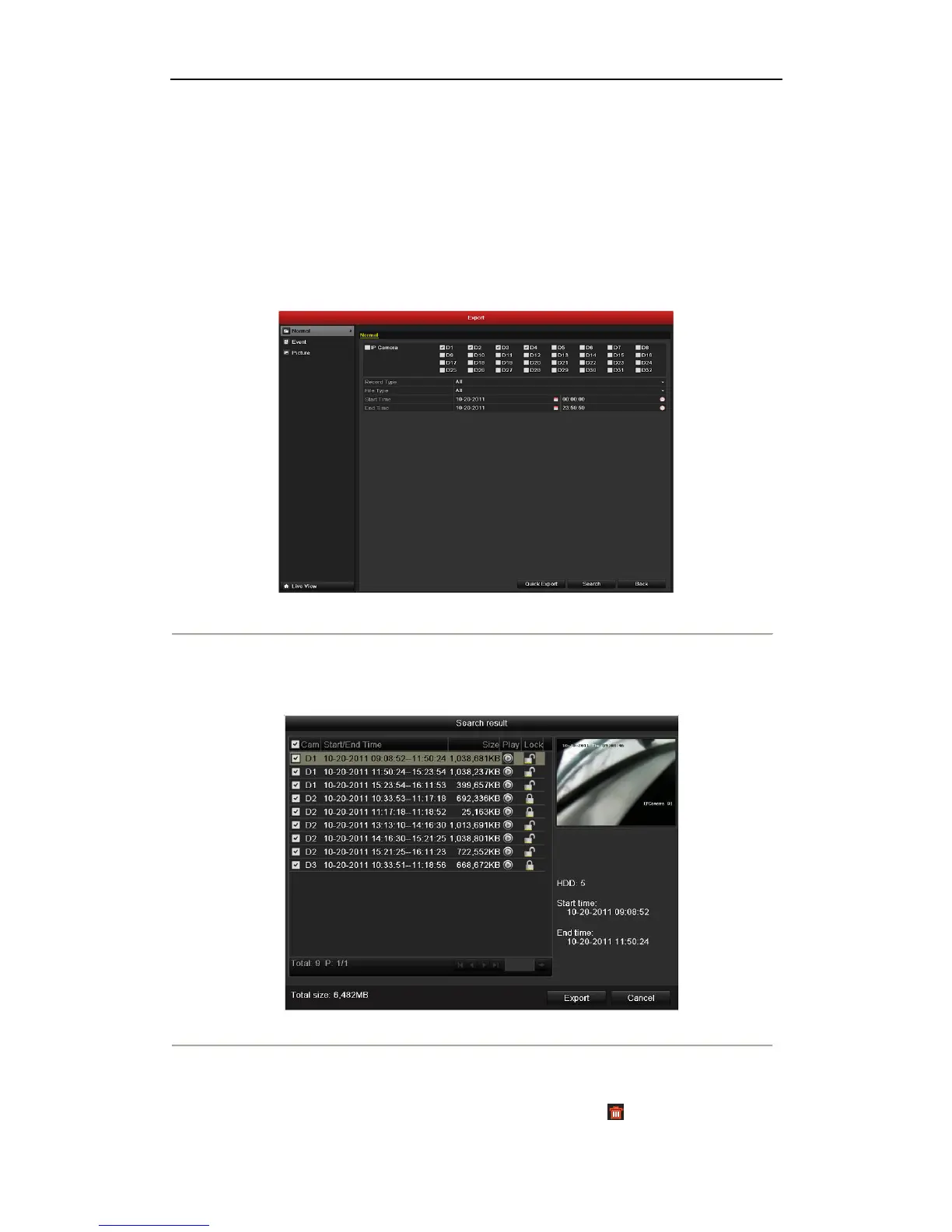
1. Enter Search Result interface of record files.
Menu>Export>Normal
Set search condition and click Search button to enter Search Result interface.
Note: At least one channel shall be selected.
Figure 7. 36 Normal Video Search for Backup
2. Select record files you want to back up.
Click Export button to enter Export interface.
Note: At least one record file shall be selected.
Figure 7. 37 Result of Normal Video Search for Backup
3. Backup device management.
Click New Folder button if you want to create a new folder in the backup device.
Select a record file or folder in the backup device and click button if you want to


 To Next Page
 Loading...