Synclara™ Cough System, Model PSC1 User Manual (196286 REV E) 81
Troubleshooting
TROUBLESHOOTING
WARNING:
Warning—Only authorized persons should service the Synclara™ Cough
System. Service by unauthorized persons could cause personal injury or
equipment damage.
NOTE:
Do not modify this system without the authorization of the manufacturer.
To do so could cause personal injury or equipment damage.
CONTROL UNIT DOES NOT POWER ON
• If the control unit is powered by AC power:
• Make sure the power cord is fully plugged into the electrical inlet
on the back panel of the control unit. If necessary, disconnect the
power cord from the control unit and then connect it again.
• Make sure the power cord is fully plugged into an AC power.
• Examine the fuse. If necessary, replace the fuse (see page 79).
• If the problem continues, contact a Hill-Rom representative.
• If the control unit is powered by a battery:
• Make sure the battery is correctly installed in the control unit. If
necessary, remove and install it. See page 60.
• Press the battery indicator button next to the LED indicator on
the battery to see its remaining charge. If the battery is low (LED
indicator is blinking), charge the battery or replace with freshly
charged battery.
• If the problem continues, contact a Hill-Rom representative.
ON-SCREEN HELP
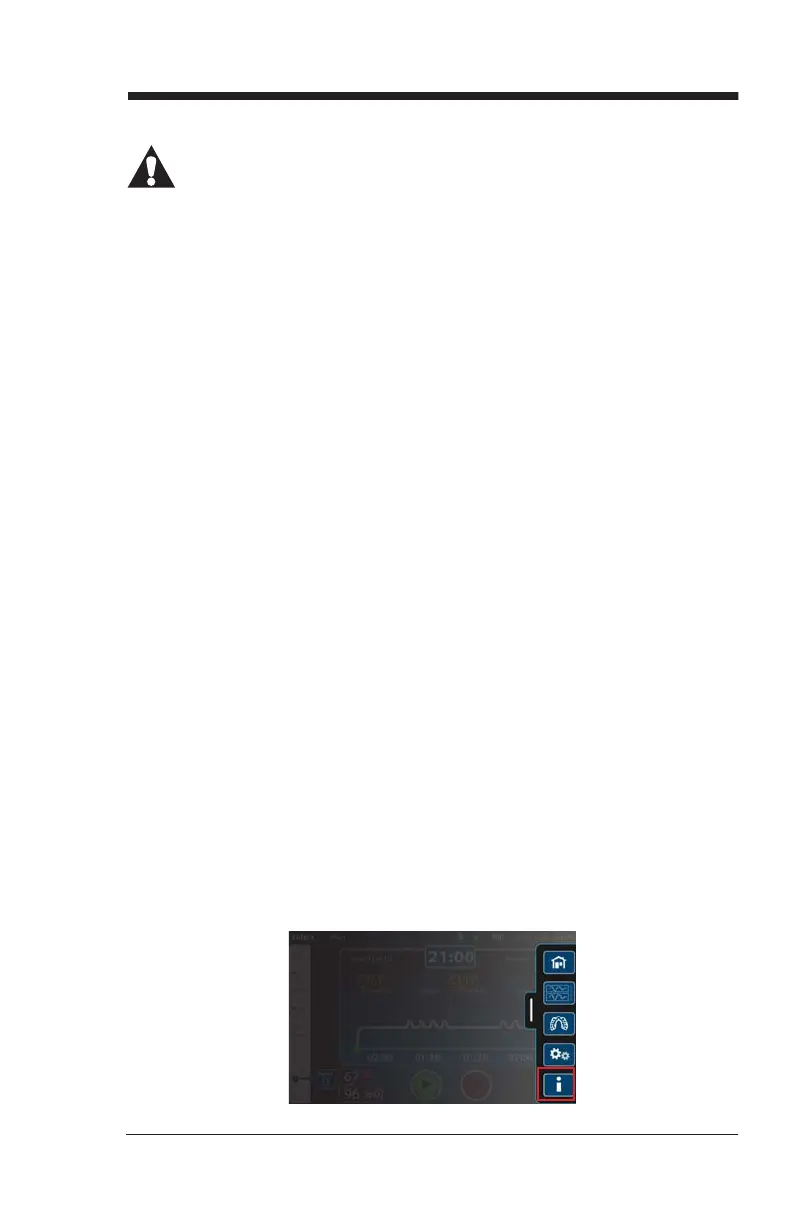
The Synclara™ Cough System offers an in-built Help to assist you when
you are using the system. To access Help, swipe the Options tab left, and
press the Options menu control. Press the Help menu control.
Draft_E_2019-Apr-29_Cleaned



 To Next Page