(APPENDIX II) CONTROL UNIT SCREENS | PAGE 78
10.2.2 MAIN MENU
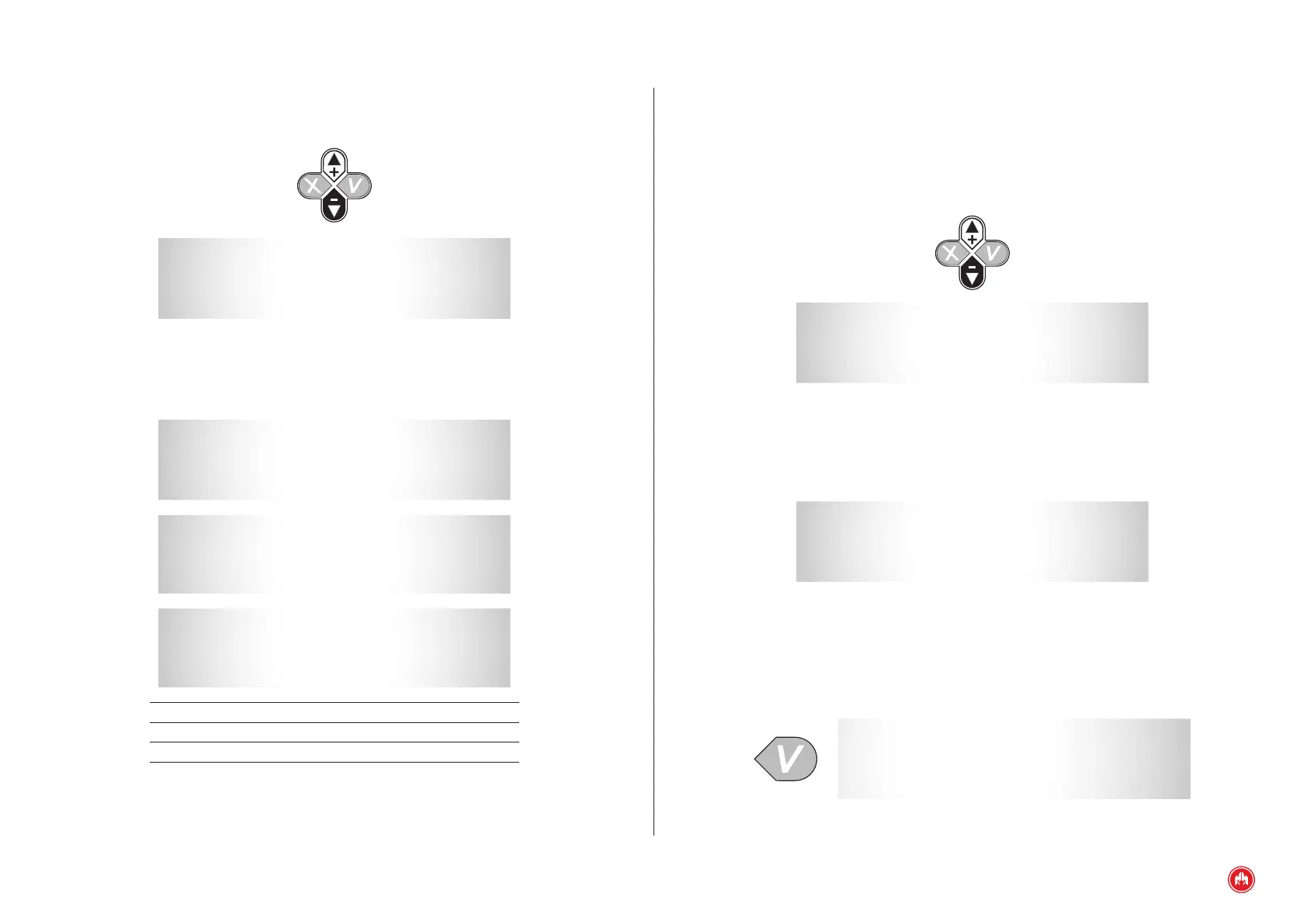
The main menu screen gives access to the different menus, to enter each menu
select it with the cursor (+) (-) and conrm (v):
1. Inputs / Outputs.
2. Parameters (only with authorization key).
3. Counters.
4. List of previous errors.
5. Schedule.
6. Date / Time.
7. Language.
8. Password.
9. J1939 Communications (only CCJ1939 expansion or J1939 option).
* * * * * * * MENU * * * * * * *
1 . Inputs / Outputs
2 . Parameters
3 . Counters
* * * * * * * MENU * * * * * * *
4 . History
5 . Schedule
6 . Date / Time
* * * * * * * MENU * * * * * * *
7 . Language
8 . Password
9 .
1. INPUTS AND OUTPUTS DISPLAY
* INPUTS /OUTPUTS *
IN:
OUT:
* INPUTS /OUTPUTS *
IN:
OUT:
INPUTS / IN OUTPUTS / OUT
R: Fuel reserve. A: Alarm active.
B: Low oil pressure. M: Motor started.
A: High temperature. 1: Programmable output 1.
N: Water level. +: D+.
X: Programmable input 4. 2: Programmable output 2.
I: Programmable input 5. 3: Programmable output 3.
P: Emergency stop. r: Network contactor.
1: Programmable input 1. g: Genset contactor.
2: Programmable input 2. B: Transfer/heating.
3: Programmable input 3. 4: Programmable output 4.
S: Mushroom head emergency stop. R: PR/PD (PR output).
M: Ignition key. P: PD/PE (PC output).
C: Enabling control unit.
ANALOGUE INPUTS
NC
PA
TM AA
DI VB
NC: Fuel level.
PA: Oil pressure.
TM: Engine temperature.
AA: Auxiliary analogue.
DI: Alternator voltage.
VB: Battery voltage.



 To Next Page