INTRODUCTION
Version 2.0, February 2012. Copyright 2012 Hitron Technologies
23
Version 2.0, February 2012. Copyright 2012 Hitron Technologies
23
HITRON CGN USER’S GUIDE
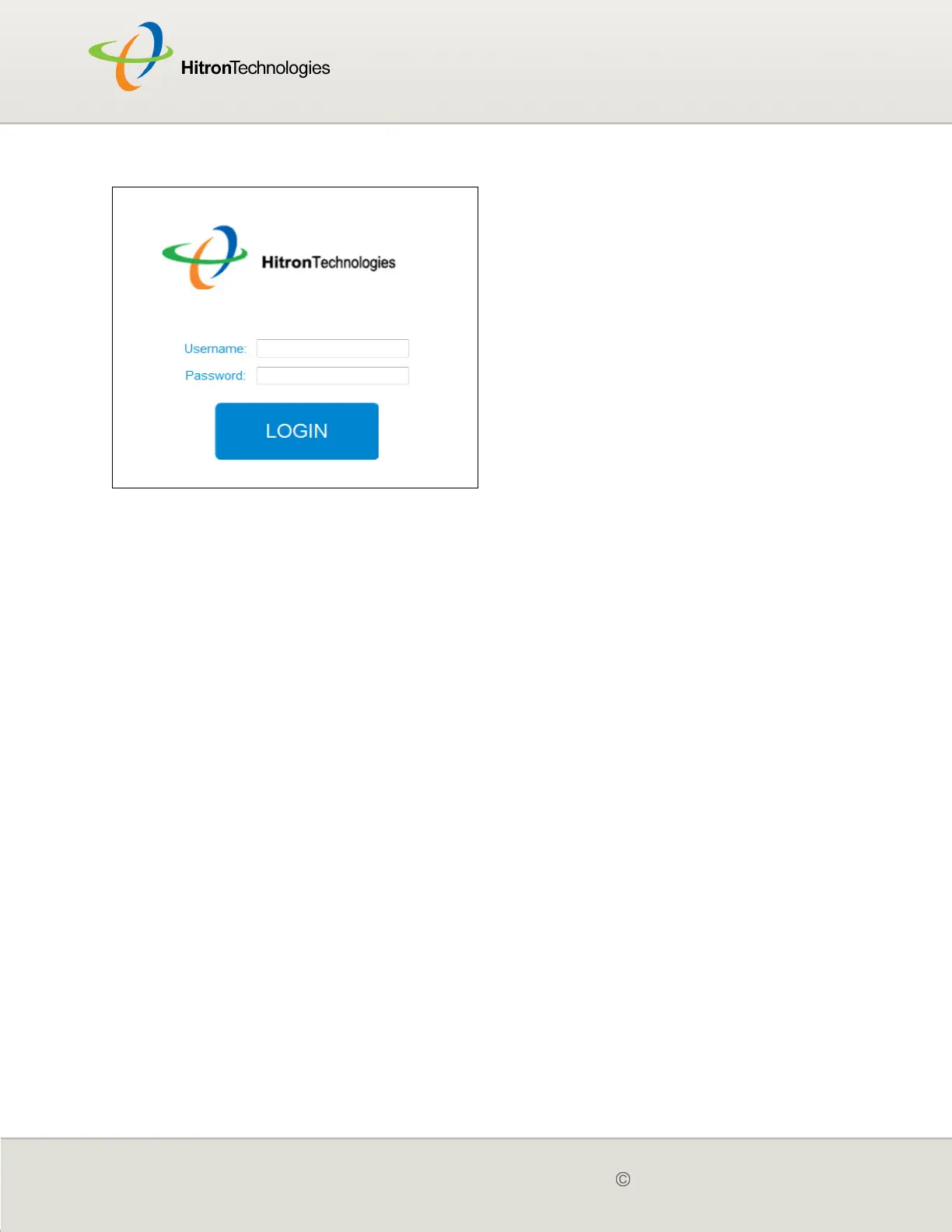
Figure 4: Login
3 Enter the Username and Password. The default login username is cusadmin,
and the default password is password.
NOTE: The Username and Password are case-sensitive; “password” is not the same
as “Password”.
4 Click Login. The System Info screen displays (see The System Info Screen on
page 35).
1.6 GUI OVERVIEW
This section describes the CGN’s GUI.



 To Next Page